Инструкция по эксплуатации Rekam iLook S850i
Страница 85
Advertising
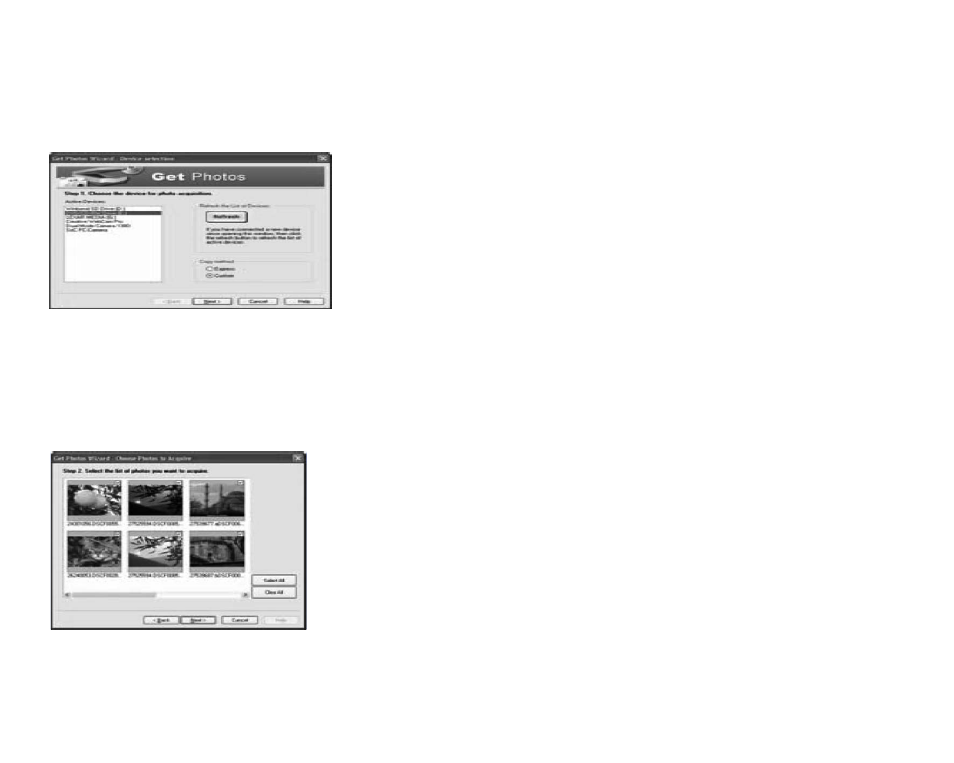
The “Get Photos” wizard mode will appear on the screen, you can select “custom copy” to download photos
with your individuation.
Or you can select “Express” option to download all photos to the computer without the option of selecting
photos. In this mode you will not see a preview of the photos transferred.
Custom copy
This mode is used to manually select the photos you wish to copy to your computer.
The “Device selection” mode will appear. Both your camera and the memory card will each appear in the
“Active Devices” list
Select “Custom copy” click “Next” to continue.
Note: At this moment, you can select “Express” option to copy all photos to your computer.
Select your photos click “Next” to continue.
32
Advertising