Video mode – Инструкция по эксплуатации Rekam iLook S850i
Страница 74
3. Press Up/Down button to select OK: set to default setting, Cancel: to exit.
4. Press Menu button or Function button A to confirm.
5. Press Right/Left button to select:
Yes: set to default
No: exit the menu
6. Press Menu button to confirm.
Cancel
This is for you to exit the menu manually, select it in setup menu and press down Joystick button to exit.
Video Mode
Press the Down button to select the Video mode.
Note: The camera has limited internal memory and does not allow recording videos without an SD card
inserted. An SD card (up to 8GB) needs to be inserted in order to use the video mode normally.
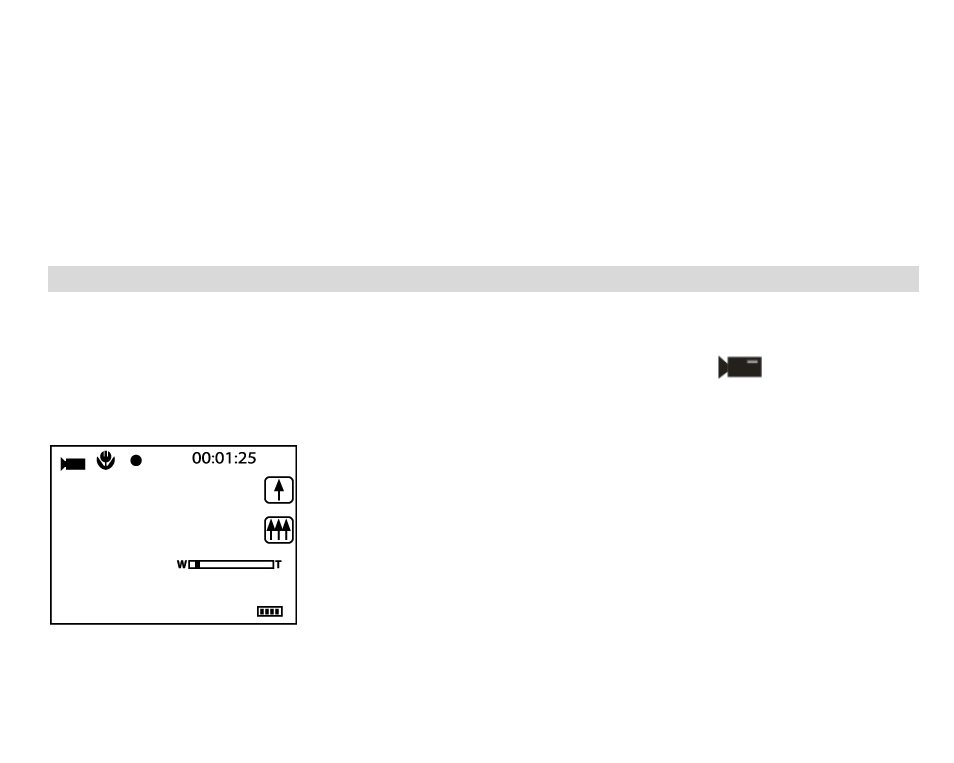
Then Press Down button to enter the Video mode and start shooting videos, icon
will appear on the
LCD screen and a red spot will be flashing on the LCD screen.
Press Shutter button to stop shooting and exit to the Camera mode, the elapse time will be shown on the LCD
screen.
1. You can play this AVI file in playback mode or Quick time and Windows Media player.
2. You can adjust the zoom during shooting videos.
Note:
21