Инструкция по эксплуатации Rekam iLook S850i
Страница 72
Language
You can select your language per your request.
1. Press Up/Down button repeatedly to select Language in Set up menu.
2. Press Menu button or Function button A.
3. Press Up/Down button to select a language you want to use.
4. Press Menu button or Function button A to confirm.
Note: You can press Function button B to exit in each menu.
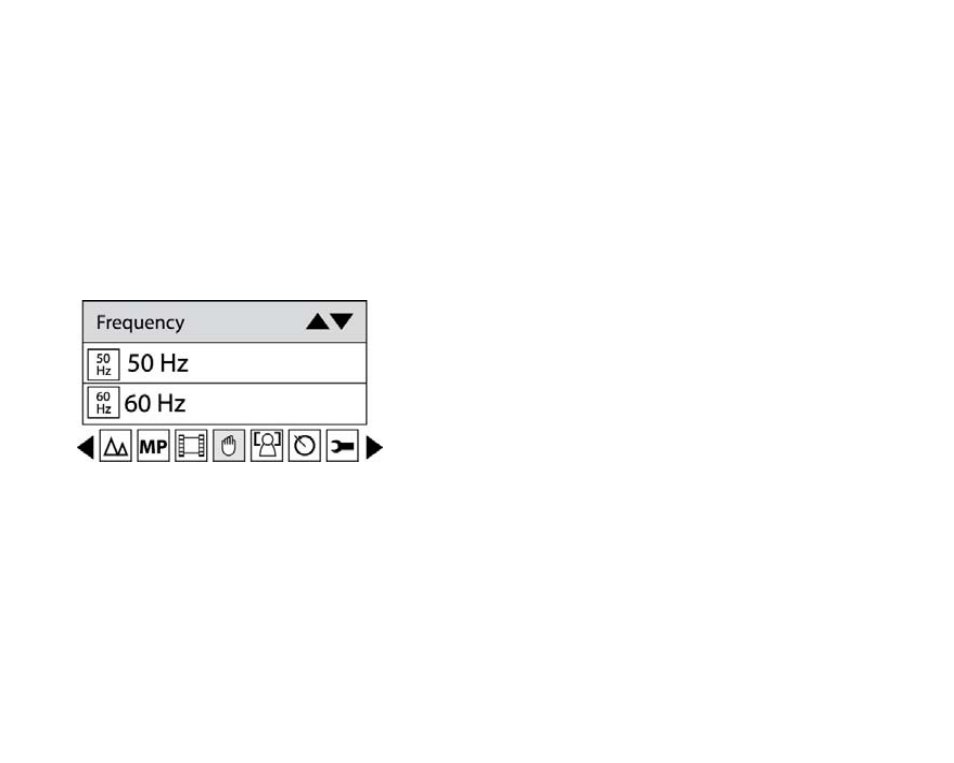
Frequency
1. Press Up/Down button to select Frequency.
2. Press Menu button or Function button A.
3. Press Up/Down button to select 50Hz/60Hz.
4. Press Menu button or Function button A to confirm.
Note: You can press Function button B to exit in each menu.
Format
This function reformats the memory card and will erase all files in memory including protected files, please
operate it cautiously.
1. Press Up/Down button repeatedly to select Format.
2. Press Menu button or Function button A.
19