Инструкция по эксплуатации Rekam iLook S850i
Страница 76
Advertising
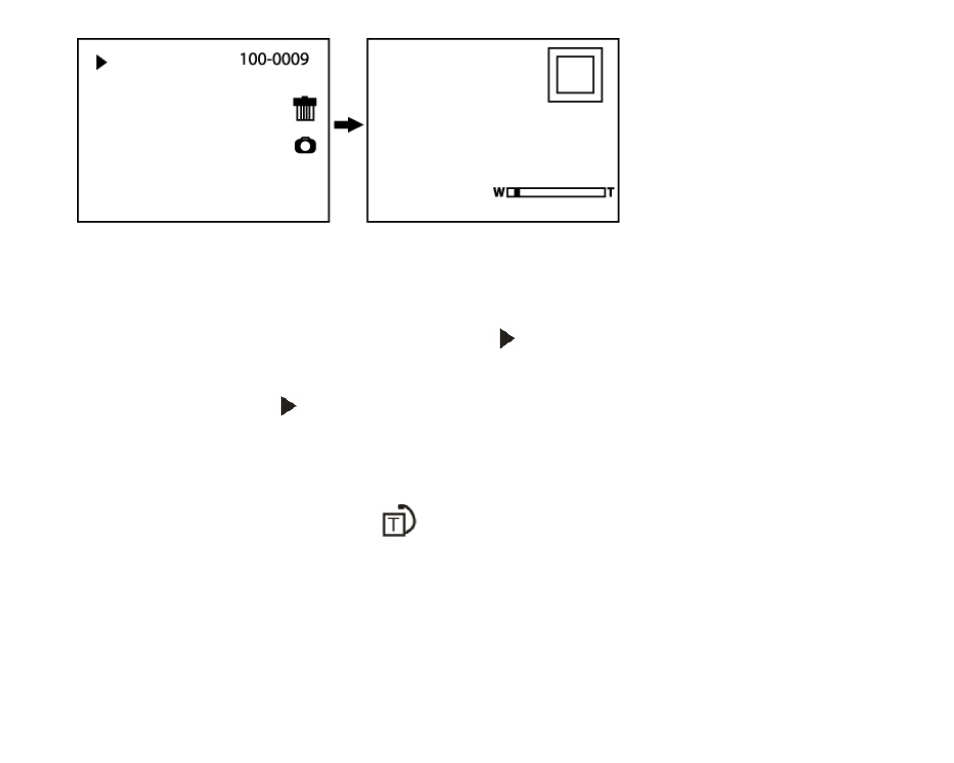
1. Press Function button A/Function button B repeatedly to zoom the photo.
2. Press Menu button.
3. Press Up/Down/Left/Right button to preview the photo more clearly.
4. You can press Function button B to zoom back out it.
Note: when you select a file is JPEG file, then the icon
will display on the LCD screen.
Operation for still photos
Select a still photo (an icon
will show on the LCD) you can delete, rotate, protect, crop or print.
Rotate
1. Press Menu button.
2. Press Right/Left button to select icon
, the function menu as below:
23
Advertising