Инструкция по эксплуатации Rekam iLook S850i
Страница 69
Advertising
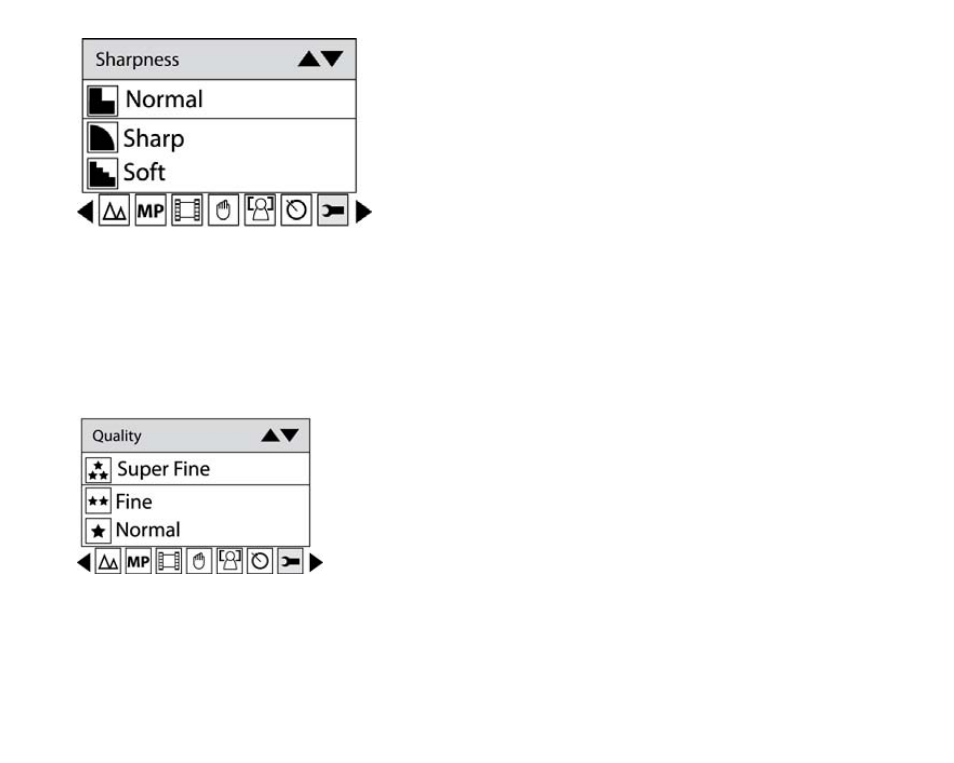
3. Press Up/Down button to select a sharpness value.
4. Press Menu button or Function button A to confirm.
Note: You can press Function button B to exit in each menu.
Quality
The quality of your photos also affects the number of shots you can take. The Super setting means you can
take fewer photos, but they will be better quality.
1. Press Up/Down button repeatedly to select Quality in Set up menu.
2. Press Menu button or Function button A.
3. Press Up/Down button to select the quality per your request.
4. Press Menu button or Function button A to confirm. The corresponding icon of Quality will appear on the
LCD screen.
Note: You can press Function button B to exit in each menu.
16
Advertising