Инструкция по эксплуатации Rekam iLook S850i
Страница 68
3. Press Up/Down button to select an ISO value.
4. Press Menu button or Function button A to confirm. The corresponding icon of exposure will appear on the
LCD screen.
Note: You can press Function button B to exit in each menu.
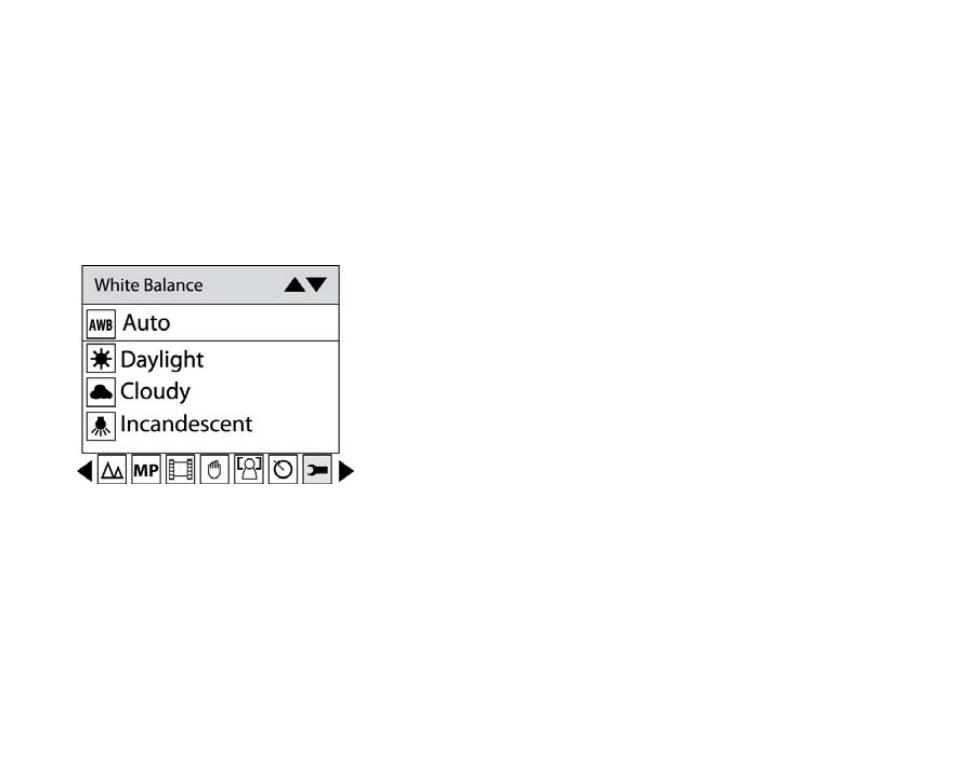
White Balance
This setting allows the camera to adjust the color of your photos according to the color of your light source.
1. Press Up/Down button repeatedly to select White balance in Set up menu.
2. Press Menu button or Function button A.
3. Press Up/Down button to choose the best option: Auto/Daylight/Cloudy/Incandescent/Fluorescent.
4. Press Menu button or Function button A to confirm.
Note: You can press Function button B to exit in each menu.
Sharpness
This setting allows you to adjust the sharpness of your images, making edges more or less distinct.
1. Press Up/Down button repeatedly to select Sharpness in Set up menu.
2. Press Menu button or Function button A.
15