Инструкция по эксплуатации Rekam iLook S850i
Страница 77
Advertising
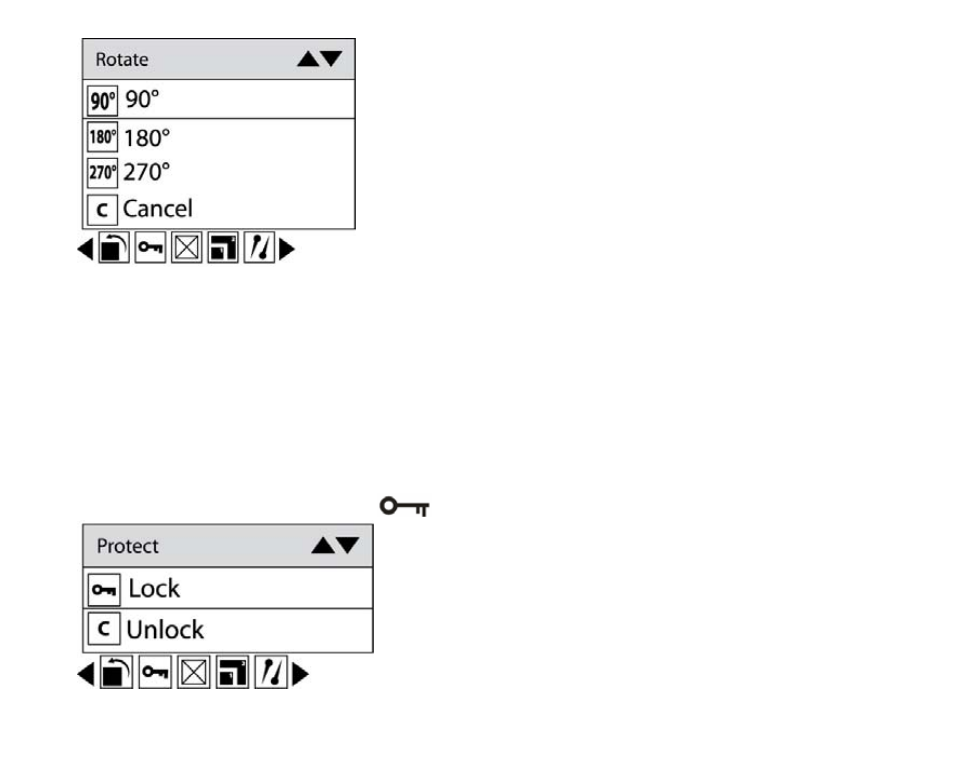
3. Press Up/Down button to select how much degrees you want to rotate.
4. Press Menu button or Function button A.
Note: 1. “Rotate and Saving” will show on the LCD after you pressed down Joystick button to confirm.
2. You can press Function button B to exit in each menu.
Protect
You can protect your photos/videos from accidental deletion.
1. Press Menu button.
2. Press Right/Left button to select icon
, the function menu as below:
3. Press Up/Down button to select Lock.
24
Advertising