Инструкция по эксплуатации Rekam iLook S850i
Страница 79
Advertising
3. Press Right/Left button to select Yes: to delete this file, No: to exit the menu.
4. Press Menu button to confirm deletion.
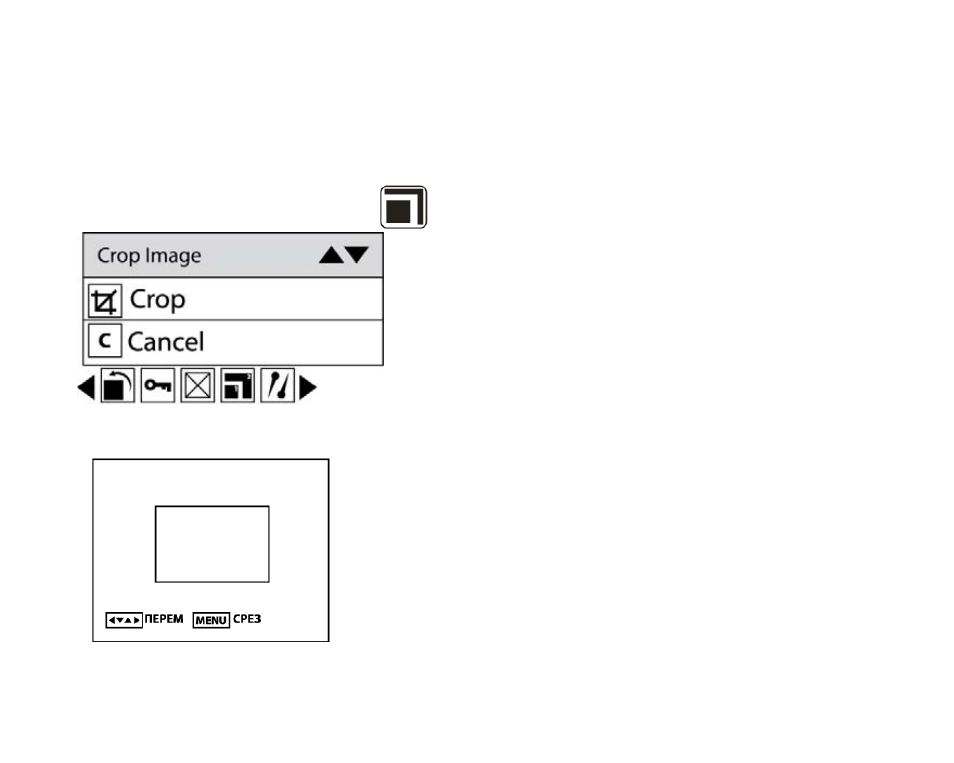
Crop Image
Crop your photos to show only a specific portion of an image or to highlight certain focal points. The Crop
feature lets you zoom in on an image and then save that part of the image as a new photo.
1. Press Menu button.
2. Press Right/Left button to select icon
, the function menu as below:
3. Press Up/Down button to select Crop or cancel.
4. Press Menu button or Function button A.
26
5. Press Up/Down/Left/Right button to select an area you want to crop.
6. Press Menu button.
7. Press Menu button again to save or you can press Left button to exit without saving.
Advertising