Please note, Manual cooking (or to cancel a programme) – Инструкция по эксплуатации Beko CE 56100
Страница 47
Внимание! Текст в этом документе был распознан автоматически. Для просмотра оригинальной страницы Вы можете воспользоваться режимом "Оригинал".
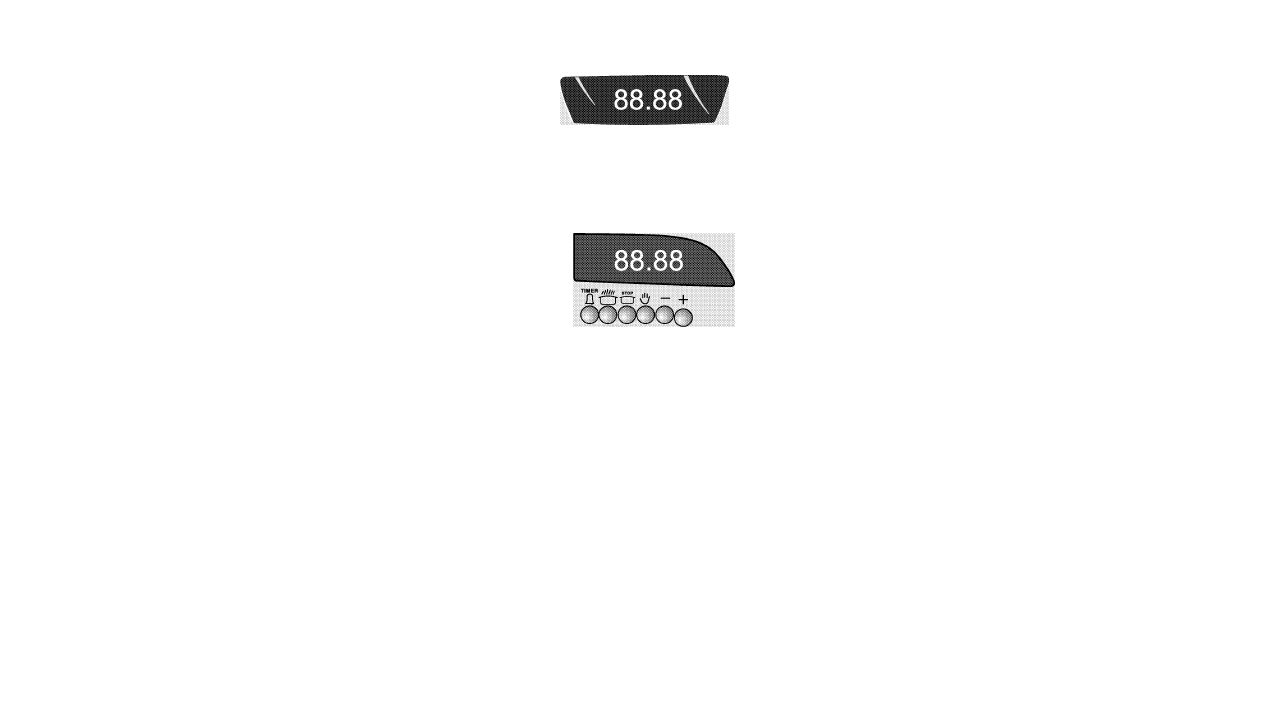
Please note
The tinner controls the oven heating element
only and the current time of day must be set
before the oven will function.
If the timer has been set to an automatic or
semi automatic programme, the daily time cannot
be readjusted, the semi or auto programme, must
be cancelled. See "How to cancel automatic
programme".
How to set the current time of day
The clock display uses a 24 hour configuration
8:30 pm = 20:30
TIMER
Press and hold " fl tzr buttons at the same
time.
Press "+" button to increase or"-" to decrease
the time.
Adjust using the "+" or "-" buttons to set the
current time. If "Auto" flashes. See "How to
cancel automatic programme".
Release the buttons, the clock will now start.
oooooo
n S S O
¿y - +
Manual cooking (or to cancel a
programme)
^
mill ,
,
,
.,
Press tzr button, press the
button, until
0:00 is displayed.
Press the 'ó button.
The "auto" and S sign will disappear.
Set the oven knob to the required cooking
temperature and function selection knob to the
desired position.
The oven will switch on. The Amber oven
indicator will light.
At the end of cooking, switch off by resetting
the oven thermostat knob to the (off) mark.
Note:
The timer will not switch off the oven. To switch
off the oven turn the oven thermostat and
selection knob to the (off) mark.
Some models, there is only one knob to adjust
the stage of cooking.
Make your adjustments by using this knob.
13