Setting up your camera, Install the batteries – Инструкция по эксплуатации HP Photosmart M427
Страница 9
Advertising
2
Setting up your
camera
Install the batteries
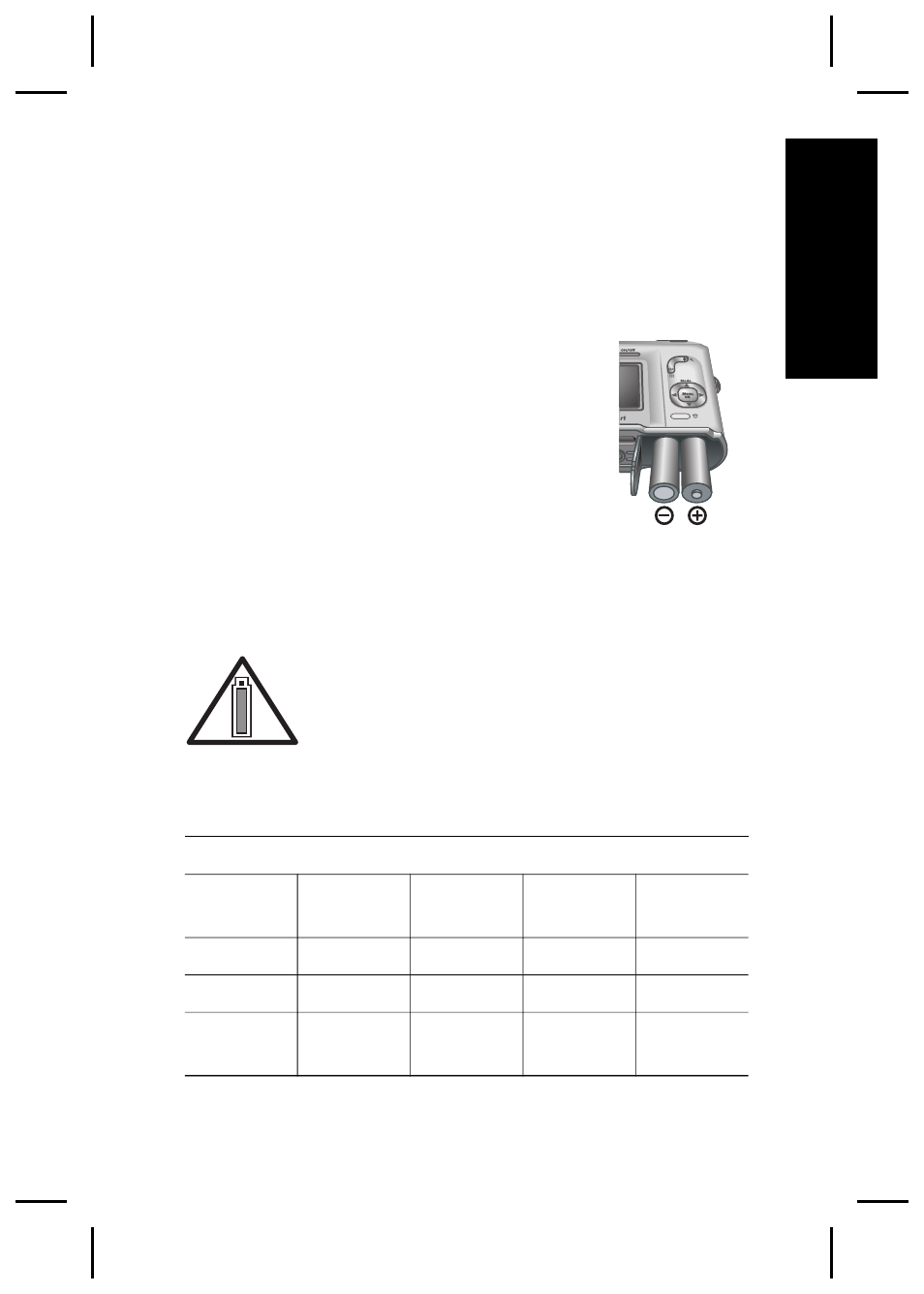
1. Open the Battery/Memory card door
by sliding the door latch as
indicated on the Battery/Memory
card door.
2. Insert the batteries.
3. Close the Battery/Memory card door.
Note
Turn the camera off before
removing the batteries. If using rechargeable NiMH
batteries, fully charge the batteries before using them
the first time.
Camera usage and battery type will
affect battery life. Alkaline batteries
provide far less battery life than either
Photo Lithium or NiMH batteries. For
complete information, see Appendix A in the electronic
User Guide.
Number of shots
Battery
type
Minimum Maximum Average
CIPA
Alkaline
77
180
120
80
NiMH
215
380
290
205
Photo
Lithium
365
600
485
423
Setting up your camera
9
English
Advertising