Transferring and printing images, Transfer images – Инструкция по эксплуатации HP Photosmart M427
Страница 17
Advertising
5
Transferring and
printing images
Transfer images
If you have installed the HP Photosmart Software, use
this method to transfer images and video clips to your
computer. If you have not installed the HP Photosmart
Software, see the electronic User Guide for an
alternate method.
Tip
You can also perform this task using an optional
HP Photosmart camera dock (see the dock User
Guide).
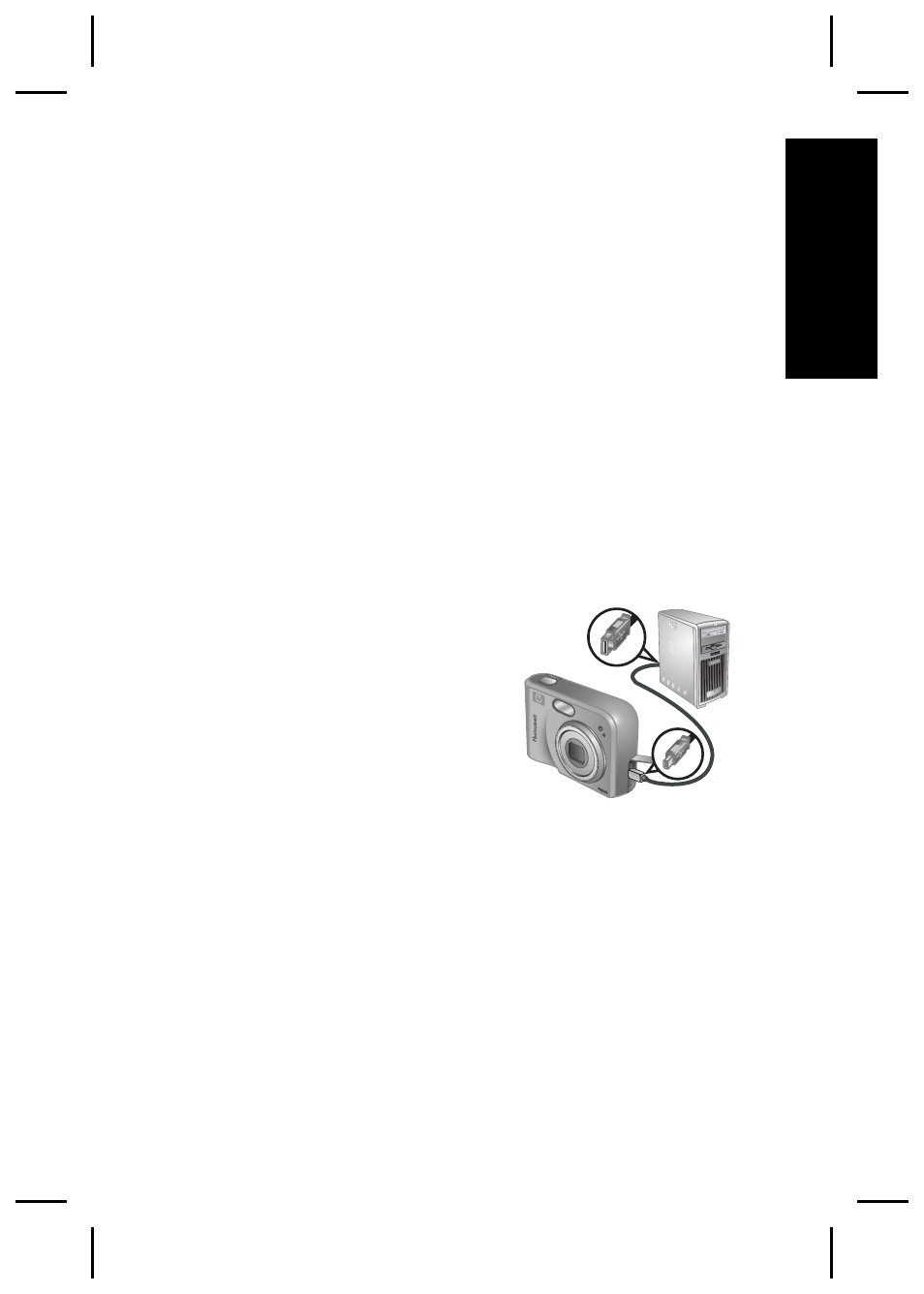
1. Connect the camera and
computer using the USB
cable that came with your
camera.
2. Turn on the camera and
follow the instructions on
the computer screen to
transfer the images. For
more information, see the Help feature in the
HP Photosmart Software.
Transferring and printing images
17
English
Advertising