Taking pictures and recording video clips, Take a still picture – Инструкция по эксплуатации HP Photosmart M427
Страница 14
Advertising
3
Taking pictures and
recording video clips
Live View allows you to frame pictures and video clips
in the Image Display.
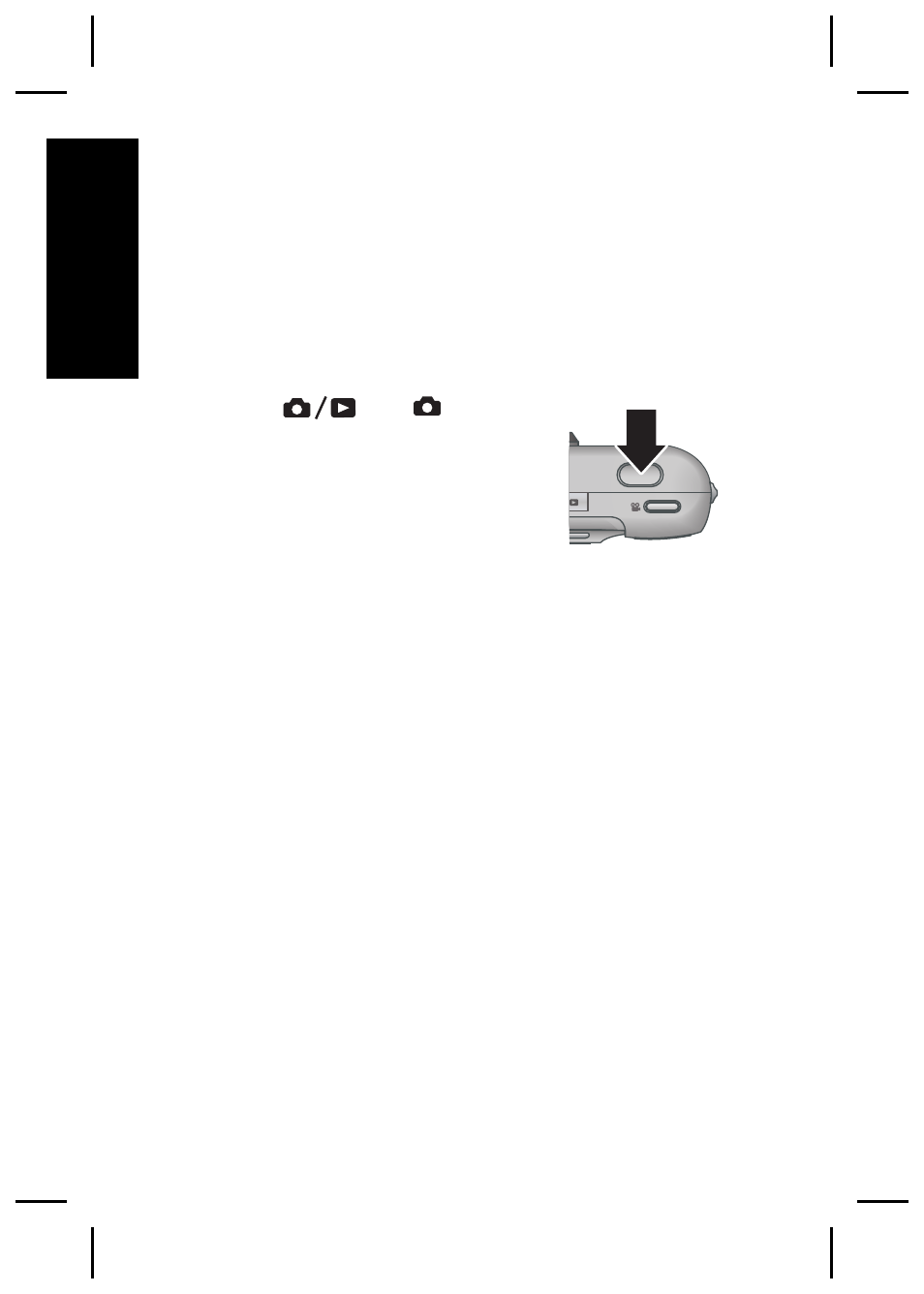
Take a still picture
1. Press
until
appears
briefly in the upper right corner
of the Image Display. This
indicates you are in Live View.
2. Frame the subject for your
picture.
3. Press the Shutter button halfway down to
measure and lock the focus and exposure. The
focus brackets in the Image Display turn solid
green when focus is locked.
4. Press the Shutter button all the way down to take
the picture.
5. To add an audio clip, continue holding the Shutter
button down, then release it when done.
14
HP Photosmart M527 Digital Camera
English
Advertising