Record a video clip – Инструкция по эксплуатации HP Photosmart M427
Страница 15
Advertising
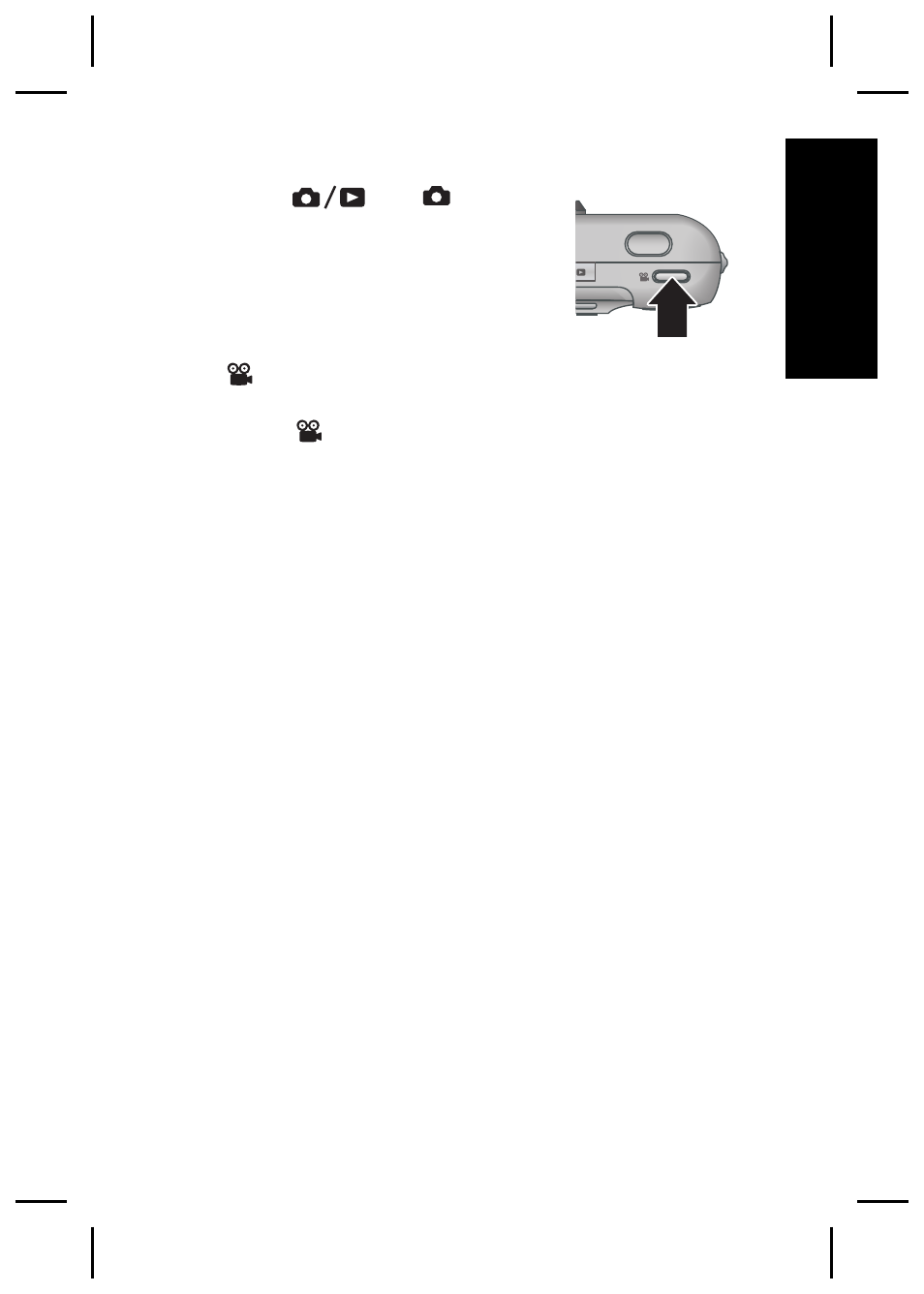
Record a video clip
1. Press
until
appears
briefly in the upper right corner
of the Image Display. This
indicates you are in Live View.
2. Frame the subject.
3. Press and release the Video
button.
4. To stop recording video, press and release the
Video
button again.
Taking pictures and recording video clips
15
English
Advertising