Инструкция по эксплуатации HP Photosmart M427
Страница 7
Advertising
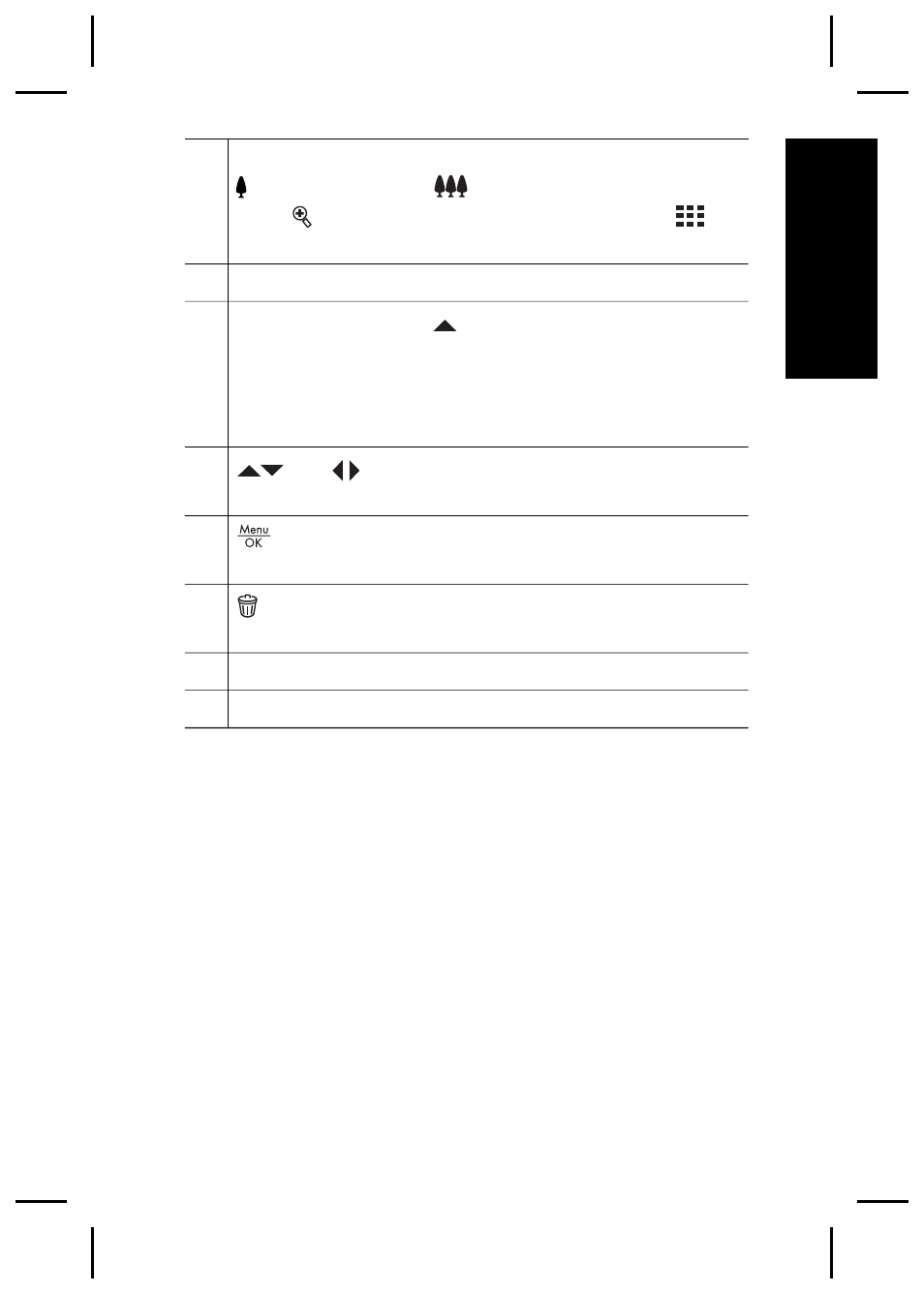
8
Zoom lever (Digital and Optical)—In Live View, press
to zoom in or press
to zoom out. In Playback,
press to magnify the selected image or press
to
view thumbnails of your images.
9
Wrist strap mount.
10 Mode button—Press to access the Shooting
Mode menu while in Live View. Options are Auto
Mode, Self-Timer, Fast Shot, Landscape, Portrait,
Action, Night Portrait, Beach and Snow, Sunset, Burst,
Macro.
11
and
buttons—Scrolls through menus and
images.
12
button—Displays camera menus, selects options,
and confirms actions.
13
Delete button—Accesses the Delete function while
in Playback.
14 Image Display.
15 Battery Charging light.
Getting started
7
English
Advertising