Alter between 2 ch and 6 ch, Mp3 overview – Инструкция по эксплуатации Hyundai H-CMMD4042
Страница 41
Внимание! Текст в этом документе был распознан автоматически. Для просмотра оригинальной страницы Вы можете воспользоваться режимом "Оригинал".
Press the AUDIO button on the panel or the RC to select the audio language or the channel. Press the REPEAT
or RANDOM buttons to select the mode of the playback.
Alter between 2 Ch and 6 Ch
Press and hold for 2 seconds the RDM button on the panel to alter between 2 Channel mode and 6 Channel
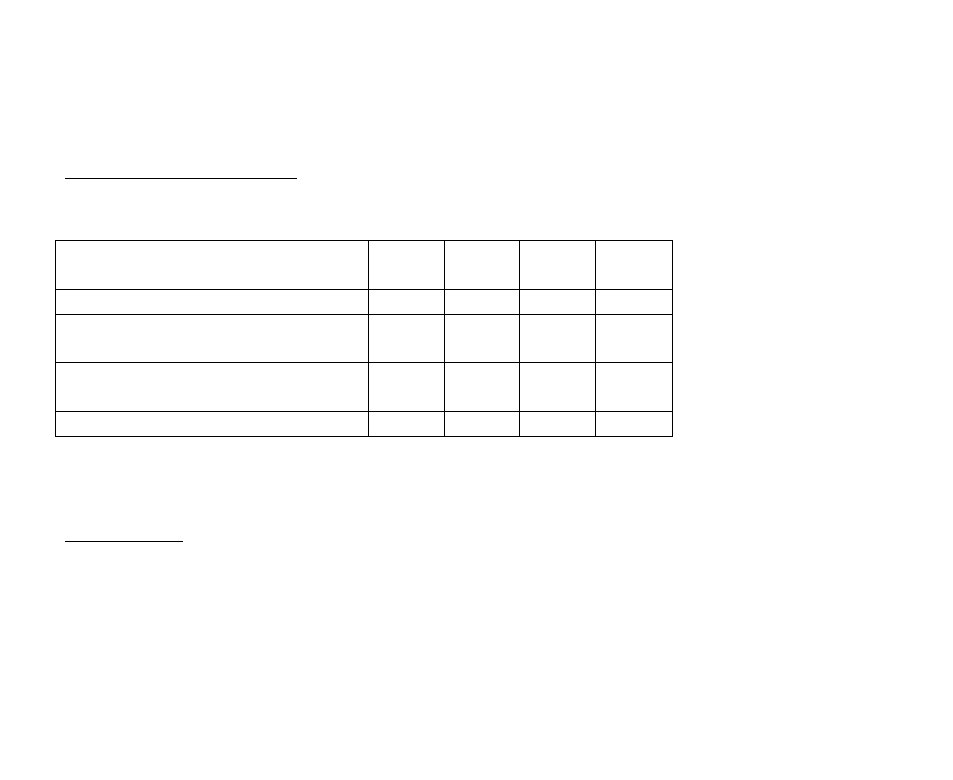
mode. According to the channel selected and the speaker setup audio output varies according the table:
Description
Front
speakers
Rear
speakers
Center
speaker
Subwoof
er
2-channel mode
•
•
Play the 2-channel audio in 6-channel mode
without Dolby Pro-Logic function.
•
Play the 2-channel audio in 6-channel mode with
Dolby Pro-Logic function.
•
•
•
•
Play the 6-channel audio in the 6-channel mode.
•
•
•
•
Note:
the information of the above table is valid only when the setup values of the speakers are low.
2-channel audio is for MP3, CD discs. 6-channel audio is for DVD discs.
Please refer to the PRO LOGIC II menu (DVD SETUP menu chapter of this manual).
MP3 overview
Notes on MP3:
•
MP3 is short for MPEG Audio Layer 3 and refers to an audio compression technology standard.
•
This product allows playback of MP3 files on DVD-R/-RW, DVD+R/+RW, CD-ROM, CD-R/-RW discs.
•
The unit can read MP3 files written in the format compliant with ISO 9660. However it does not support the
MP3 data written by the method of packet write.
•
The unit can not read an MP3 file that has a file extension other than “.mp3”.
41