Инструкция по эксплуатации APC 3500
Страница 10
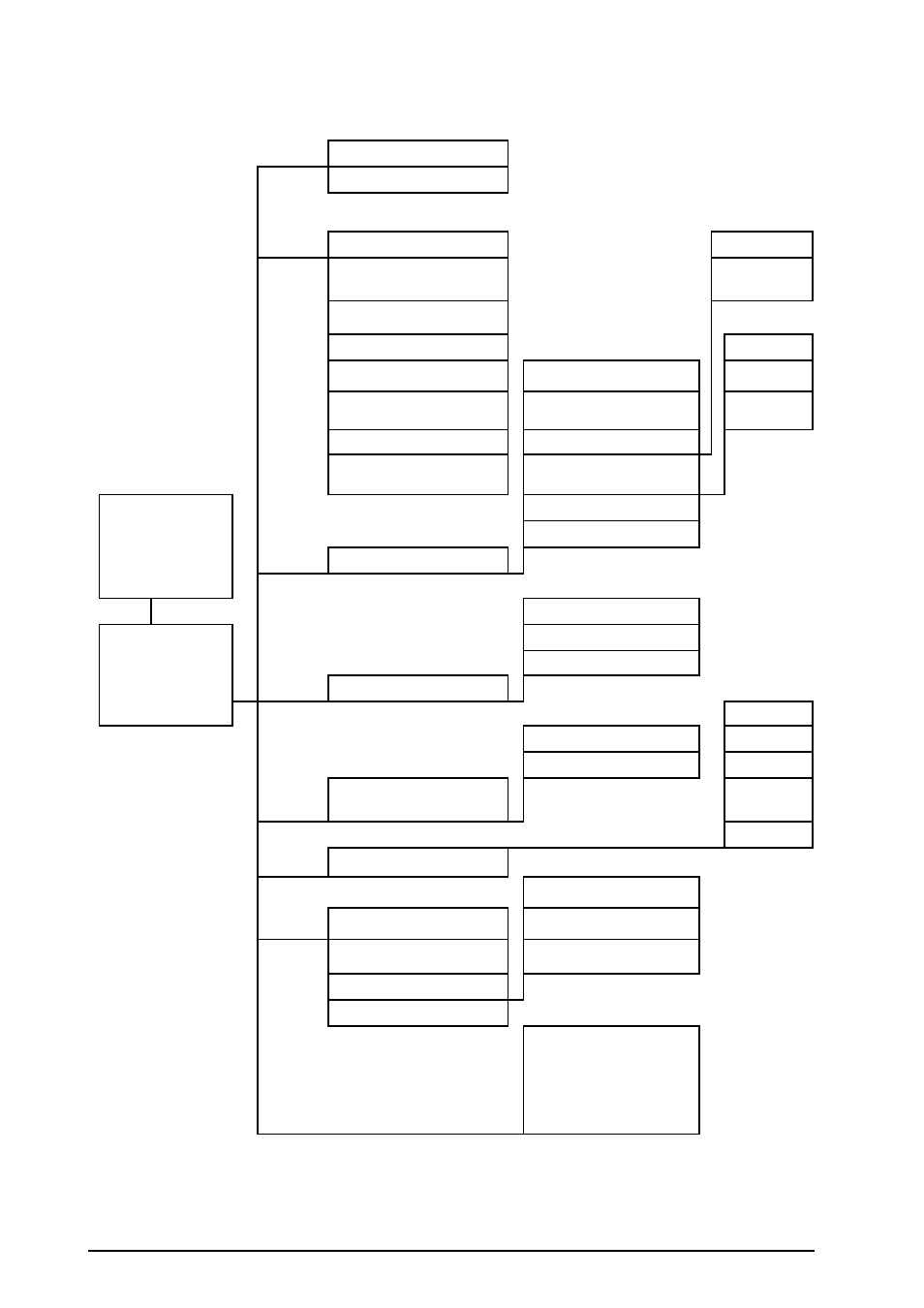
Дерево меню предоставляет краткий обзор доступных функций и представлений.
Control
Turn Load Off/On
UPS into/out of Bypass
Status
Vin Vbyp Vout
Dust filter
lin lbyp lout
Reset dust
filter
kW&kVA
Frequencies
Load
Load & Bat & Runtime
Shutdown
Runtime
Bat AmpHr/ UPS Temp
Default
Par.
redund.
Alarm Thresholds
System
Обзорный экран
Parallel status
Alarms
Clock
Other
Setup
Settings
Chrg xxx%
Load xxx%
xVin xVout xHz
Runtime: xxhr
LCM Alarms Pending
LCM Contact Info
LCM Alarm Settings
LCM
Life Cycle Monitoring
Control
Status
Setup
LCM
Logging
Display
Diags
Help
Language
Главный экран
View Log
Contrast
View Statistics
Beep.Setup
Logging
Logging Menu
Display
FW
Font Pack
Display
Display Setup
Int.mech Byp. SW
Diags
Faults and Diagnostics
Q3 External Byp SW
System Information
Status from MBP
Switch Status
Raw Status Data
On any screen
and any line, press?
Help
for context
sensitive help
6
MGE™ Galaxy™ 350010-40 kVA 380/400/415 V10-30 kVA 208/220 V
990–2386D-028