Connecting iaudio and installing jetshell – Инструкция по эксплуатации COWON iAUDIO M3
Страница 35
Advertising
iAUDIO M3
35
For Windows 98 / 98 SE
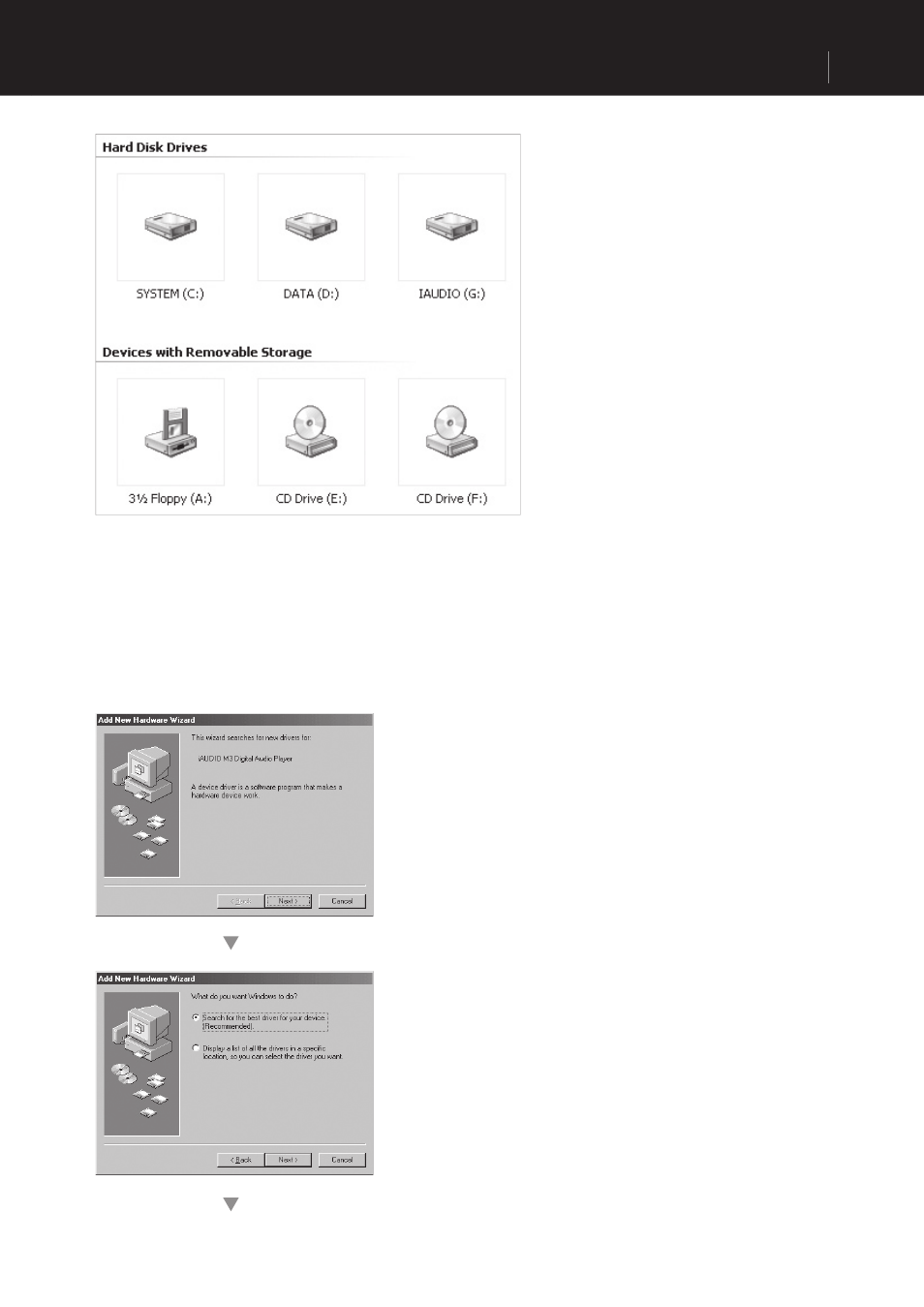
1. The E:\ drive shown in the illustration is an example, and it may be different from the actual drive name
used by your PC. It was given for your reference only.
2. Connect iAUDIO and PC with a USB cable. In the
normal Windows environment, a message saying
that the iAUDIO M3 Digital Audio Player device
was found will be displayed as shown in the left
picture. Click on the ‘Next’ button.
3. Check "Search the best driver for your device" and
click ‘Next’.
Connecting iAUDIO and Installing JetShell
Advertising