Led indicator - quick guide, Battery backup facility, Fi da sv ru no en – Инструкция по эксплуатации Petsafe Petporte Smart Flap® Microchip Cat Flap
Страница 118
FI
DA
SV
RU
NO
EN
118 www.petsafe.net
To set the LOCK time: This function needs to be carried out at the time of day when you wish the unit to CLOSE and remain LOCKED.
Enter the Extended Modes by pushing the Red and Green buttons simultaneously for more than 2 seconds, then press the red button once (the unit will beep
twice) then again (the unit will beep three times) then again (the unit will beep four times) then again (the unit will beep five times) then once again (the unit will
beep six times) then once again and the unit will beep 7 times and you have arrived at Timer Mode. To enter Timer Mode, press both Red and Green buttons
simultaneously, the green light will stay illuminated and the red light will flash.
Pressing and releasing the Red button quickly will set the LOCK time. On releasing the Red Button the Petporte smart flap
®
will return to its normal mode
of operation.
You must now activate Night Mode so that the unit recognizes the UNLOCK and LOCK times that you have programmed. To activate
Night Mode, press the Red button for less than 2 seconds.
Note:
1. The Timer Mode will only function when the unit is powered through the external power supply included with this unit. The Timer Mode is not available
when the unit enters battery backup mode.
2. In the event of a power cut, you will need to reset the unlock and lock times.
3. The Timer Mode supersedes the light level detector. The unit will no longer read the ambient light levels to decide if the unit should be locked or unlocked.
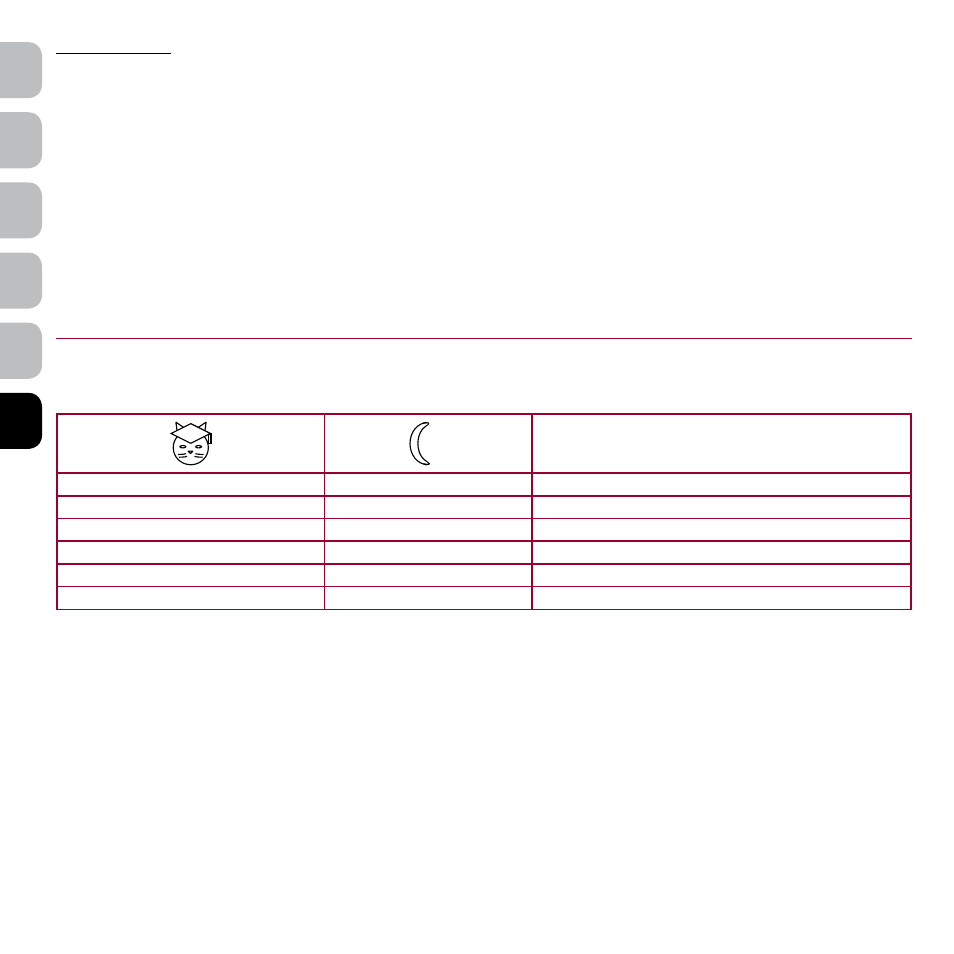
LED Indicator - Quick Guide
Explanation of LED Indicators:
Function
Flash
Flash
Power on but nothing programmed
Off
Off
Normal Operating Mode
Off (Day) / On (Night)
On
Night Mode (Timer Mode)
Off
Flash
Vet Mode
Flash
Off
Open Mode
On
Flash
Battery Level Low
Battery Backup Facility
Your Petporte smart flap
®
has the facility to fit a backup battery, ensuring your cat can still have access to your house in the event of a power cut on the low
voltage power supply. When the Petporte smart flap
®
is operating under battery-mode ONLY, it will scan for the cat’s microchip only AFTER the cat has
pressed against the flap, thus getting the battery out of sleep-mode.
To install batteries, remove the small cover plate with a screw driver and attach a 9-volt (IEC 6LR61) battery to the connecting snaps. Push battery into the
battery compartment and snap the small cover plate back in place.
Please note that the following functions are currently unavailable with your Petporte smart flap
®
, when the unit is being operated by battery alone:
1. Wall Mounting - Currently the Petporte smart flap
®
Battery Backup Facility is unable to function on a wall fitted unit.
2. Night Mode - Currently Night Mode is unavailable when the unit enters battery backup mode.
3. Programming – When the Petporte smart flap
®
is working on battery only, programming a cat into the unit, can be very difficult.