Playing files – Инструкция по эксплуатации Samsung ST10
Страница 9
Advertising
9
English
Playing files
Viewing photos
Press [
1
Playback].
Draw a horizontal bar left or right, or
2
select < or > to scroll through photos.
Viewing videos
Press [
1
Playback] and select .
Use the following icons to control playback.
2
Scan backward
/
Pause or resume playback
Stop playback
Scan forward
Adjust volume or mute sound
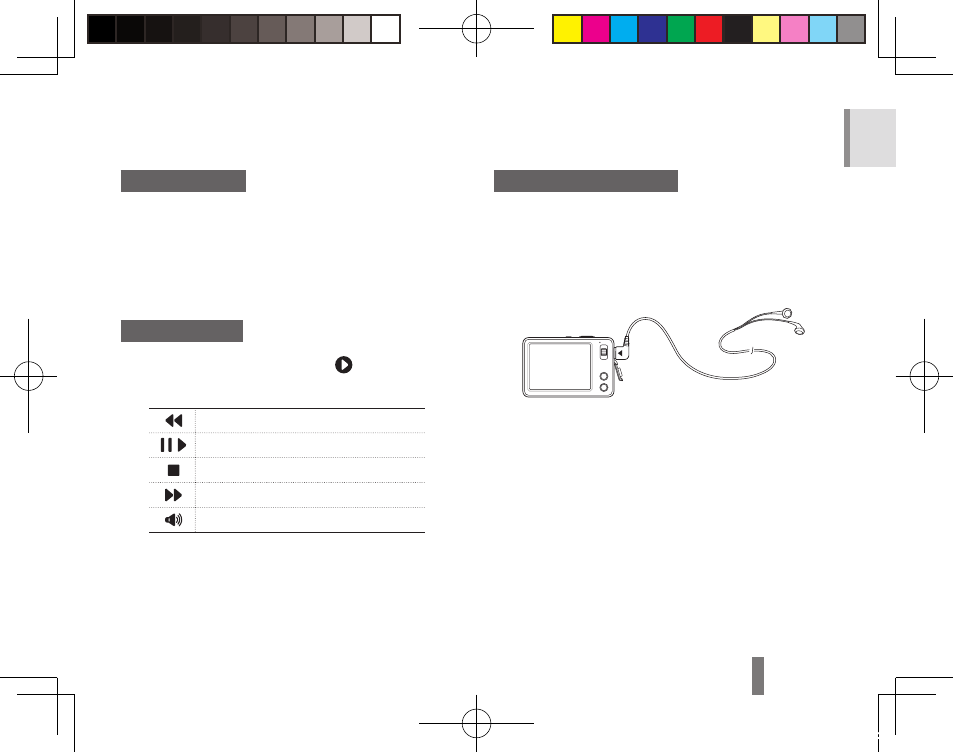
Playing multimedia files
You can play music, video, and text files.
Transfer multimedia files to your camera.
1
Plug the supplied earphones into the
2
multifunction jack.
In Shooting mode, select
3
a → m.
Select a mode.
4
M
▪
: Music
P
▪
: Videos
t
▪
: Text Viewer
Select a file to play.
5
Playback begins automatically.
▪
Morse93_EUR2.indb 9
2009-05-12 오전 11:50:03
Advertising