Capturing photos or videos – Инструкция по эксплуатации Samsung ST10
Страница 8
8
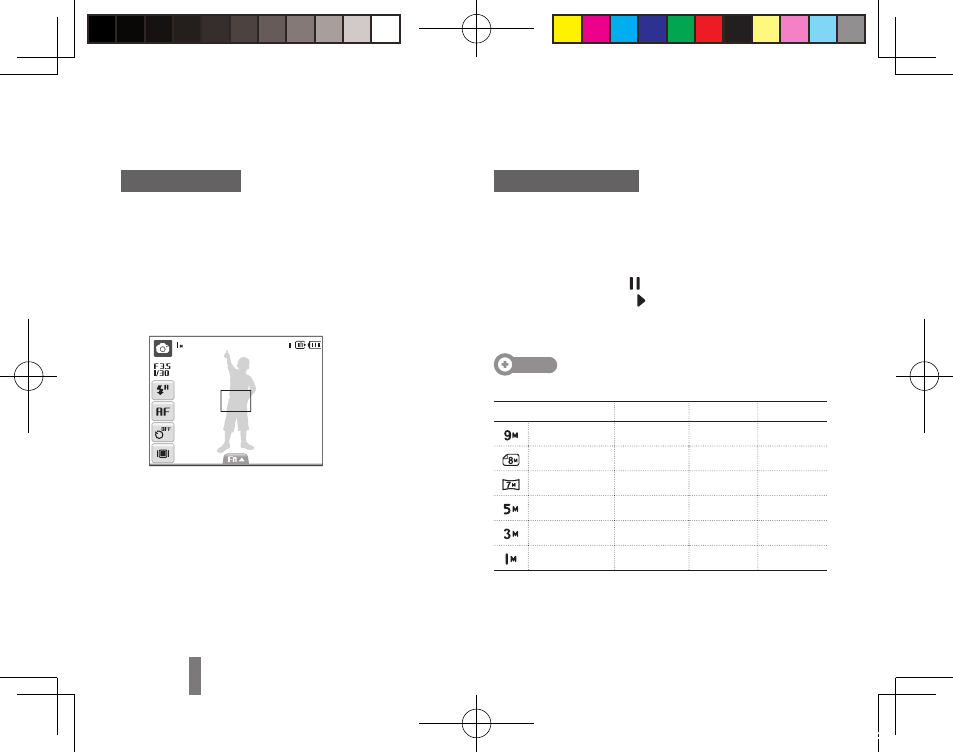
Taking a photo
Make sure that the camera is in the
1
a mode
(Auto mode).
Align your subject in the frame.
2
Press [
3
Shutter] halfway down to focus
automatically.
A green frame means the subject in focus.
▪
Press [
4
Shutter] all the way down to take the
photo.
Recording a video
Select
1
a → v.
Align your subject in the frame.
2
Press [
3
Shutter].
To pause, select
▪
.
To resume, select
▪
.
Press [
4
Shutter] again to stop the recording.
Note
Number of photos by resolution
(for 1 GB SD)
Resolution
Super fine
Fine
Normal
3456 x 2592
194
376
546
3456 x 2304
221
426
611
3456 x 1944
264
510
744
2592 x 1944
343
637
870
2048 x 1536
532
895
1,211
1024 x 768
1,716
2,059
2,376
These figures are measured under Samsung’s standard
conditions and may vary depending on shooting conditions
and camera settings.
Capturing photos or videos
Morse93_EUR2.indb 8
2009-05-12 오전 11:50:02