English, Customizing icons and notifications – Инструкция по эксплуатации Asus CG8350
Страница 24
Advertising
2-6
Chapter 2: Using Windows
®
7
English
English
English
English
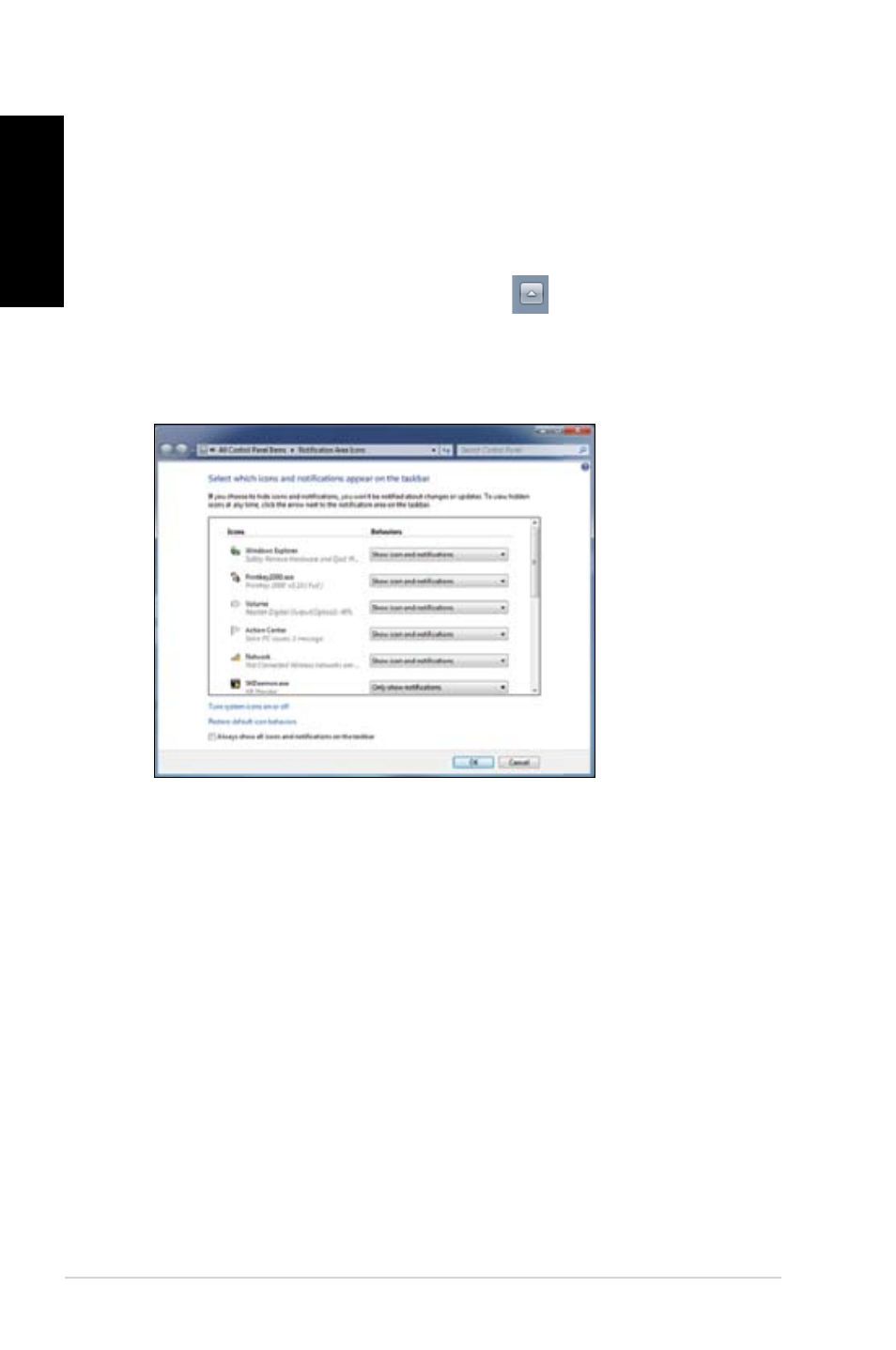
Customizing icons and notifications
You may choose to display or hide the icons and notifications on the taskbar or on the
notification area.
To customize icons and notifications:
1.
From the notification area, click on the arrow icon
.
2.
Click Customize.
3.
From the dropdown list, select the behaviors for the icons or items that you want
customize.
Advertising
Посмотрите также другие документы по категории Компьютеры Asus:
- ROG CG8565 (246 страниц)
- Essentio CS5111 (26 страниц)
- ET2010AG (38 страниц)
- ET1611PUT (38 страниц)
- ET1611PUK (38 страниц)
- ET2011AGK (42 страницы)
- ET2400IT (42 страницы)
- SCD (38 страниц)
- ET2002 (40 страниц)
- ET2701INTI (44 страницы)
- ET2203 (40 страниц)
- CG8250 (239 страниц)
- CM6730 (198 страниц)
- CG8270 (230 страниц)
- CG8270 (72 страницы)
- V2-P5G31 (2 страницы)
- CM1730 (198 страниц)
- CG8265 (210 страниц)
- CM1740 (198 страниц)
- Eee Pad Slider SL101 (54 страницы)
- Nexus 7 (108 страниц)
- Eee Pad Transformer TF101G (56 страниц)
- Transformer Pad Infinity TF700T (90 страниц)
- EEE PC 904 (73 страницы)
- M11AA (90 страниц)
- M31AD (85 страниц)
- M51AC (85 страниц)
- CP6230 (198 страниц)
- CP6230 (66 страниц)
- ET2012AGKB (44 страницы)
- ET2013IGKI (42 страницы)
- ET2001B (30 страниц)
- M70AD (71 cтраница)
- VivoTab RT 3G (76 страниц)
- ET1602C (38 страниц)
- ET2300INTI (56 страниц)
- CM1630 (246 страниц)
- Fonepad Note 6 (102 страницы)
- Fonepad 7 (102 страницы)
- Fonepad 7 (24 страницы)
- Eee Pad Transformer Prime TF201 (70 страниц)
- Eee Pad Transformer Prime TF201 (80 страниц)
- Eee Pad Transformer Prime TF201 (6 страниц)
- ET2702IGKH (60 страниц)
- VivoTab Smart (22 страницы)