The monitor menu – Инструкция по эксплуатации Asus Essentio CG8250
Страница 57
Advertising
ASUS CG8250
6-5
English
English
English
English
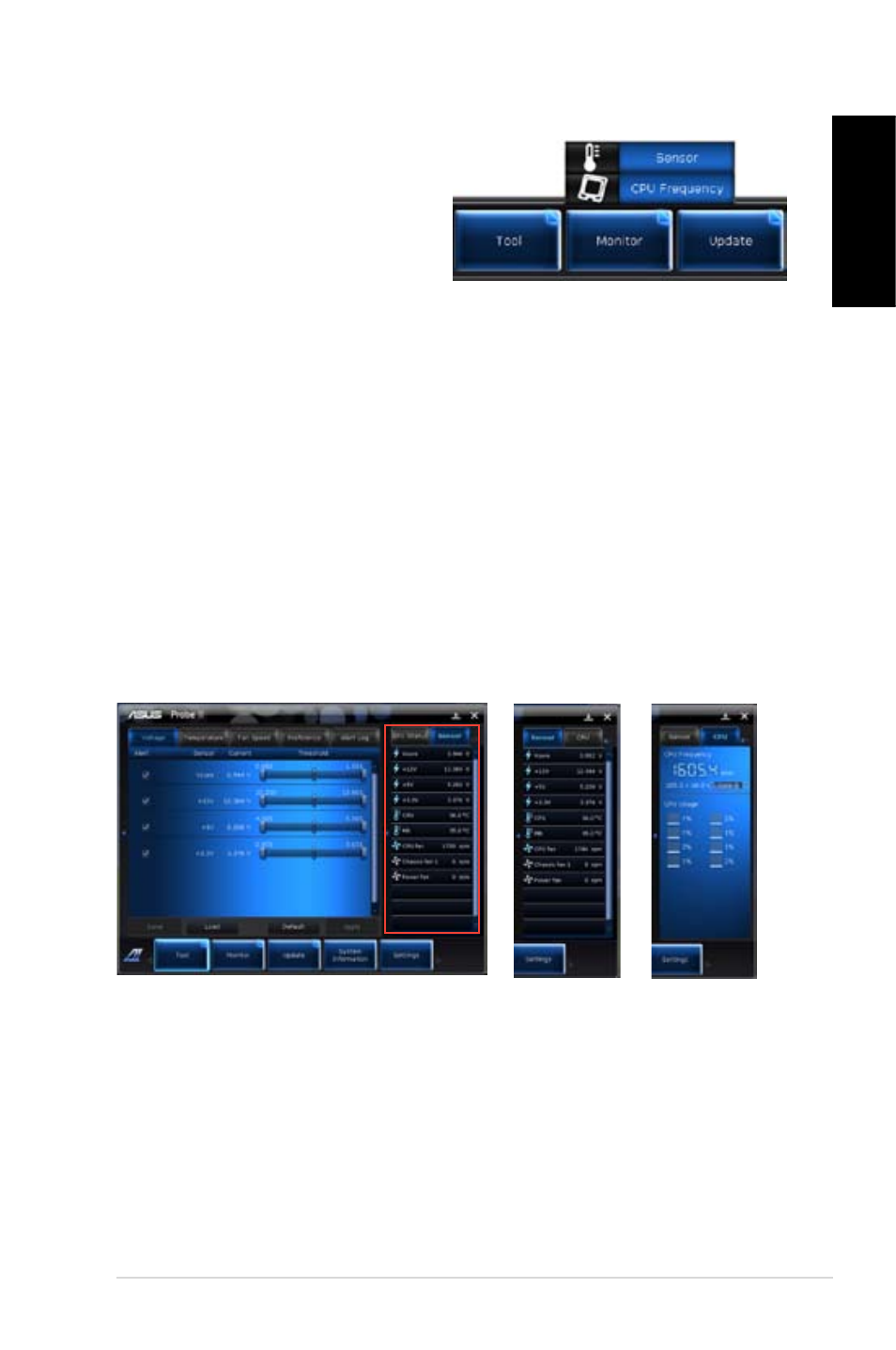
Launching Sensor
The Sensor panel displays the current value of a system sensor such as fan rotation, CPU
temperature, and voltages.
To launch Sensor:
•
Click Monitor > Sensor on the AI Suite II main menu bar.
Launching CPU Frequency
The CPU Frequency panel displays the current CPU frequency and CPU usage.
To launch CPU frequency:
•
Click Monitor > CPU Frequency on the AI Suite II main menu bar.
Sensor panel
CPU Frequency panel
Resident in the right pane (system information area)
The Monitor menu
The Monitor menu includes the Sensor and
CPU Frequency panels.
Advertising
Эта инструкция подходит к следующим моделям: