English, Connecting a usb keyboard and a usb mouse, Connecting the power cord – Инструкция по эксплуатации Asus Essentio CG8250
Страница 17
Advertising
ASUS CG8250
1-7
English
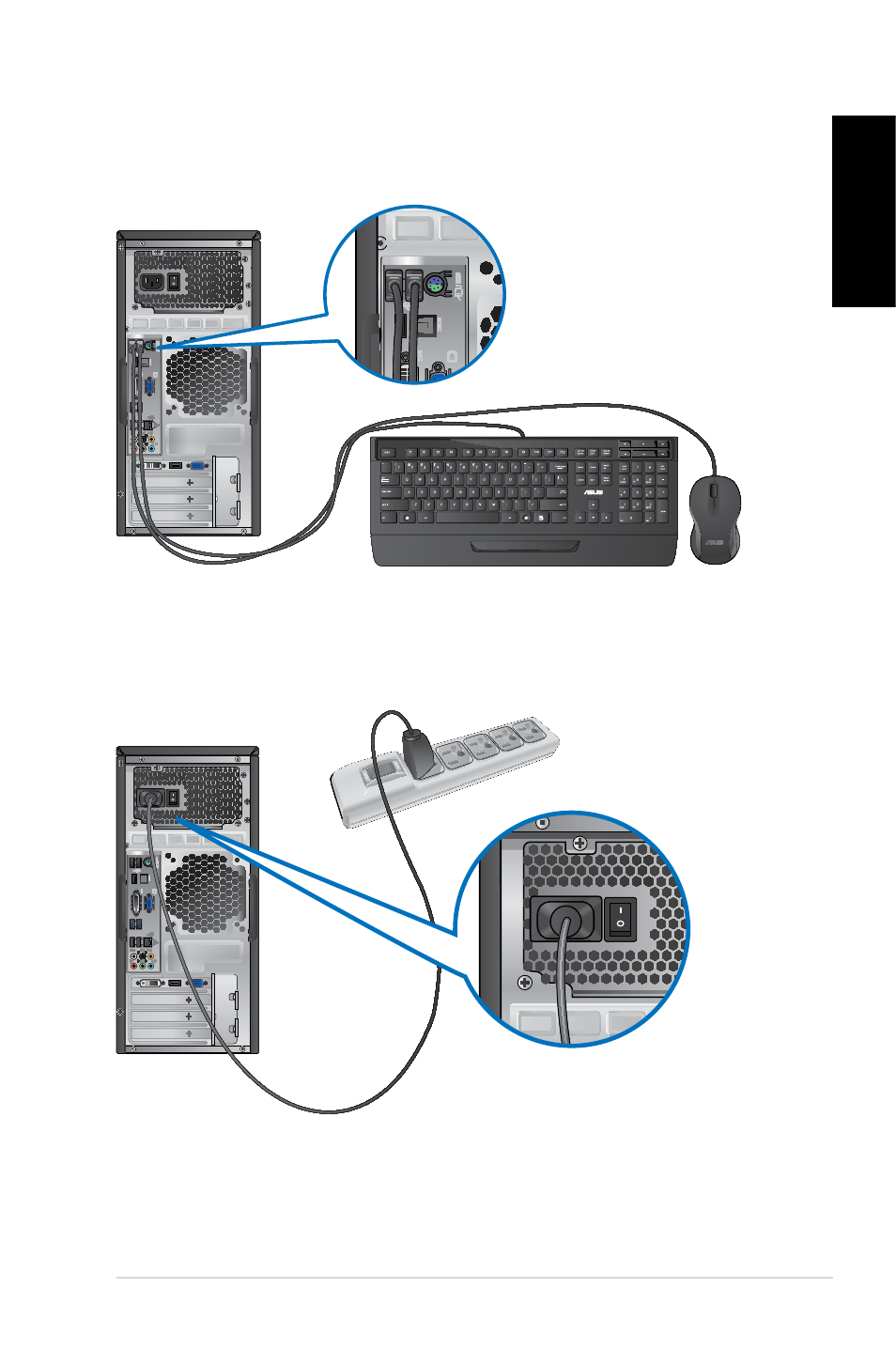
Connecting a USB keyboard and a USB mouse
Connect a USB keyboard and a USB mouse to the USB ports on the rear panel of your
computer.
Connecting the power cord
Connect one end of the power cord to the power connector on the rear panel of your
computer and the other end to a power source.
Advertising
Эта инструкция подходит к следующим моделям: