Checking installation – Инструкция по эксплуатации Siemens Gigaset USB Adapter 108
Страница 16
Gigaset USB Adapter 108
Gigaset USB Adapter 108 / deutsch / A31008-M1031-R101-2-Z143 / qig_usbadapter108.fm /
16
Sc
ha
bl
on
e
20
04
_1
2_
27
After installation, one or two windows will appear, depending on your operating
system, prompting you to complete installation.
ì
Click on Finish.
The Installation is finished and your PC will be restarted.
Checking installation
If installation was successful, you can now use the Gigaset WLAN Adapter Mon-
itor. With the Gigaset WLAN Adapter Monitor you can configure your Gigaset USB
Adapter 108 and create a connection to other network adapters or an Access
Point.
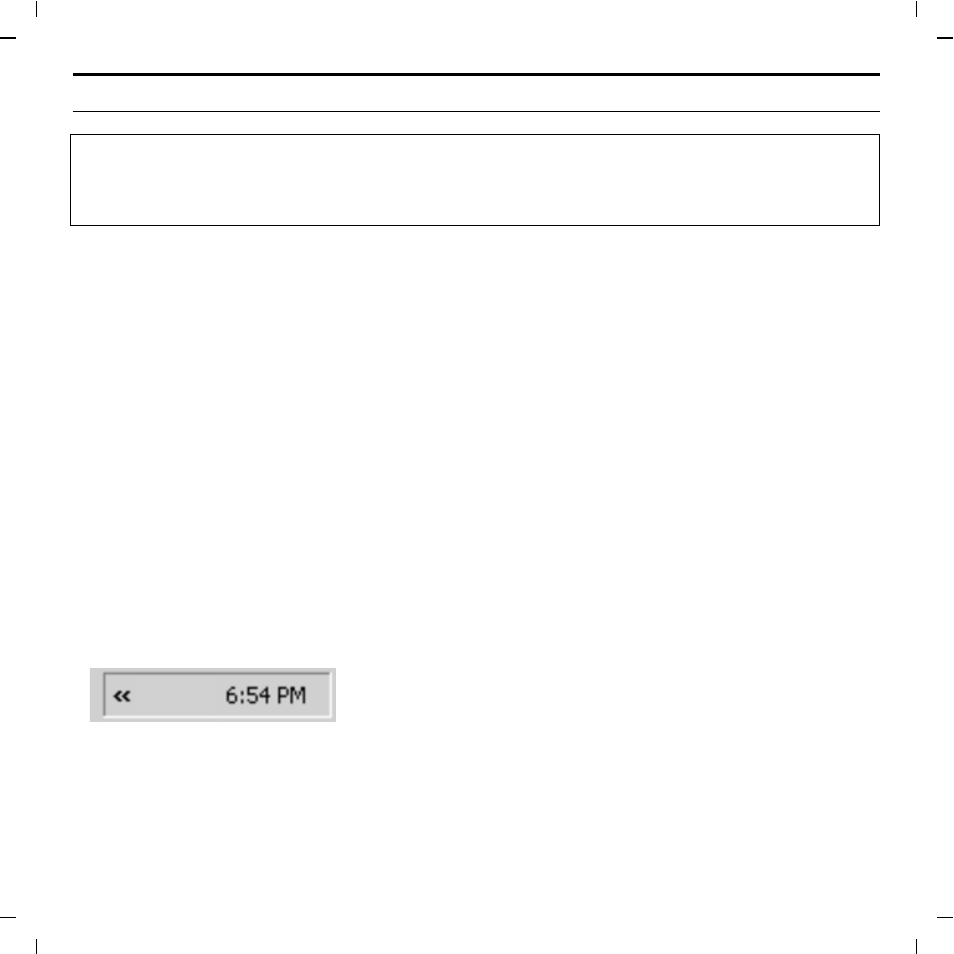
The Gigaset WLAN Adapter Monitor is represented by an icon in the status area
of the taskbar, this icon also shows you if there is already a connection to a con-
nection partner.
The following may be displayed in the status area of the taskbar:
u
Restart your PC if you are prompted to do so.
u
If your PC already contains more recent files, answer the question whether
you want to keep them with YES.
ü
No icon:
Software not launched