Scientific calculation – Инструкция по эксплуатации CITIZEN SR-260N
Страница 11
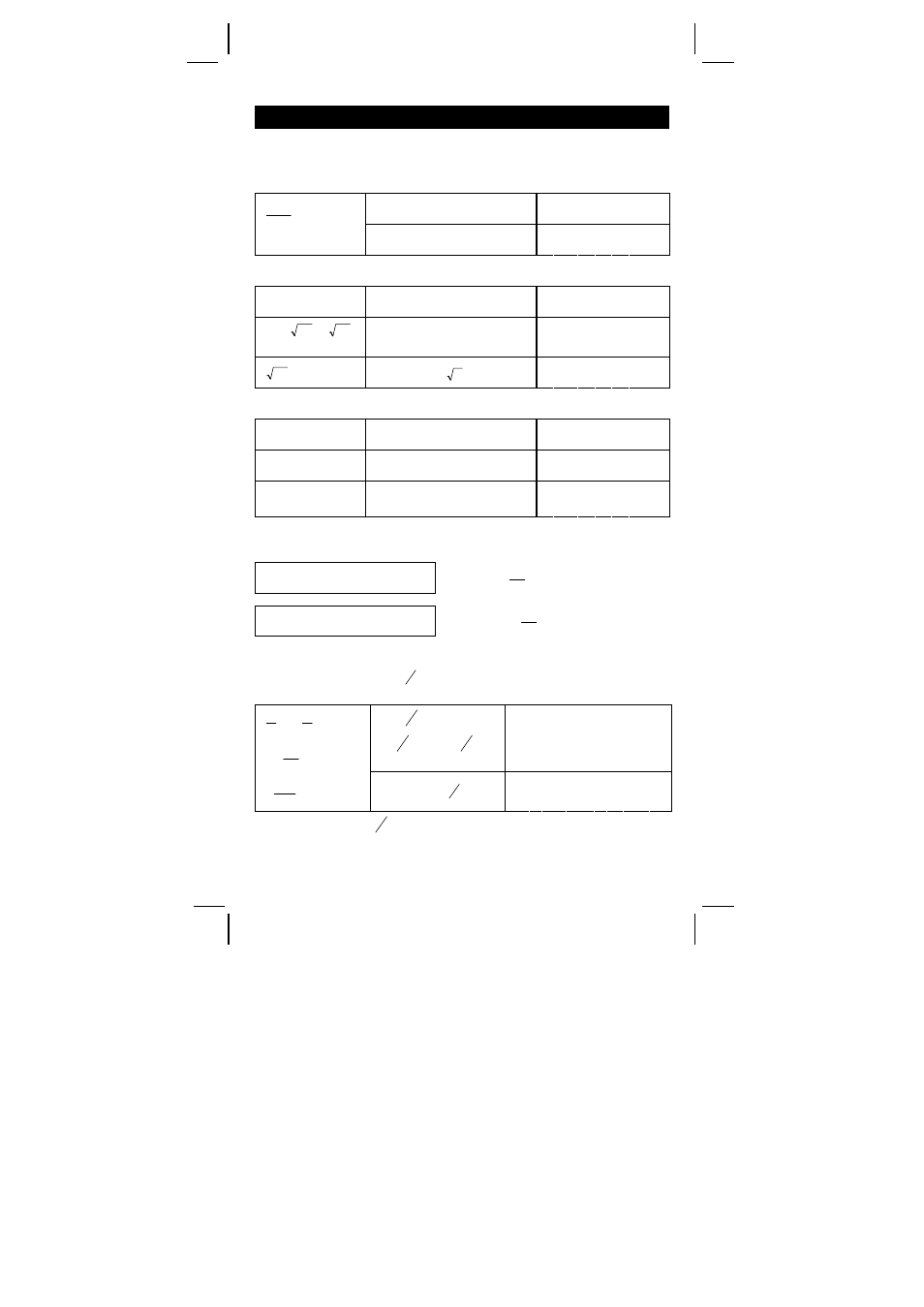
SR-260N_English_090324.rtf SIZE: 135x75mm / SCALE 2:1 / 2009/3/24
E10
Scientific calculation
Before performing the following calculation, check to see that your
calculator is fixed at 2 decimal places display format.
Reciprocal, Factorial
DEG
1.25 [ 2ndF ] [1/x] [ = ]
0. 8 0
DEG
25
.
1
1
= ?
5! = ?
5 [ 2ndF ] [ x! ] [ = ]
1 2 0. 0 0
Square, Square / Cubic Root, Power, Root
DEG
2
2
+ 3
4
= ?
2 [ x
2
] [ + ] 3 [ x
y
] 4 [ = ]
8 5. 0 0
DEG
5 x
34
27
3
+
= ?
5 [ x ] 27 [ 2ndF ] [
3
√
]
[ + ] 34 [ √ ] [ = ]
2 0. 8 3
DEG
9
72
= ?
72 [ 2ndF ] [
y
x
] 9 [ = ]
1. 6 1
Logarithms and Antilogarithms
DEG
ln7 + log100 = ? 7 [ ln ] [ + ] 100 [ log ] [ = ]
3. 9 5
DEG
10
2
= ?
2 [ 2ndF ] [ 10
X
] [ = ]
1 0 0. 0 0
DEG
e
5
– e
– 2
= ?
5 [ 2ndF ] [ e
X
] [–] 2 [ +/– ]
[ 2ndF ] [ e
X
] [ = ]
1 4 8. 2 8
Fraction calculation
Fraction value display is as follow :
5
」 12 Display of
12
5
56
⊔ 5 」 12 Display of 56
12
5
(Note) : Total of integer, numerator and denominator must be within 10
digits, or the fractional value couldn’t be shown completely.
By pressing [ 2ndF ] [
e
d
→
], the displayed value will be converted to
the improper fraction.
DEG
2 [
c
b
a
] 3 [ + ] 7
[
c
b
a
] 3 [
c
b
a
] 5
[ = ]
8
⊔ 4 」 1 5
DEG
5
3
7
3
2 +
=
15
4
8
=
15
124
[ 2ndF ] [
e
d
→
]
1 2 4
」 1 5
When a press of [
c
b
a
] key after the [ = ] key or a fraction performed
with a decimal, the answer is displayed as a decimal.