Turn on the camera, Choose the language, Set the region – Инструкция по эксплуатации HP Photosmart R740 series
Страница 9: Set the date and time
Advertising
To remove the battery, move the battery latch as shown
until the battery springs free.
Turn on the camera
To turn on the camera, press the
button.
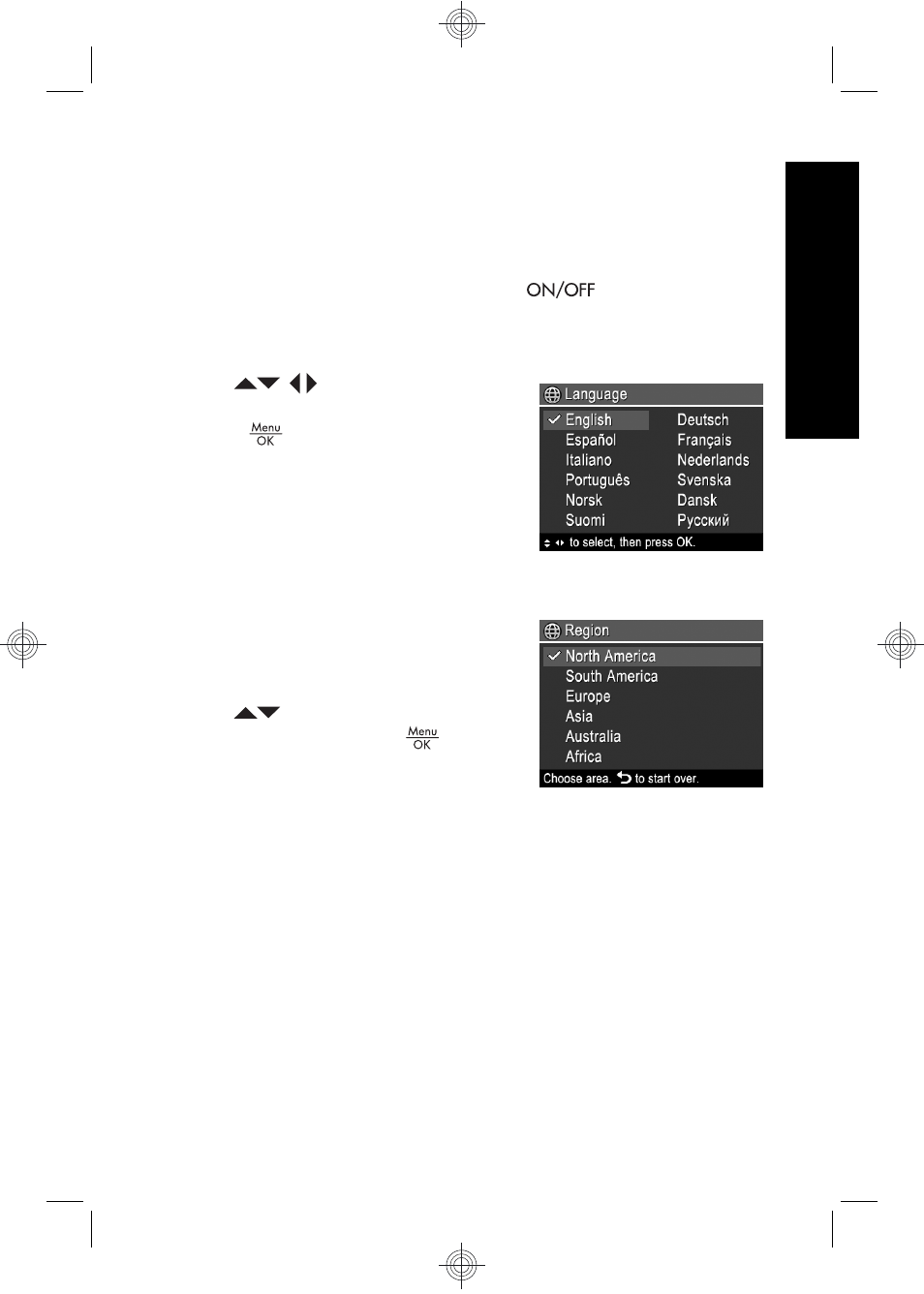
Choose the language
Use
to choose the
language that you want, then
press
.
Set the region
Along with the language setting,
the region setting determines the
default date format.
Use
to choose the region
you want, then press
.
Set the date and time
Accurately setting the date and time will help you locate
images once you have transferred them to your computer,
Setting up your camera
9
English
Advertising