Switching to mp3 mode – Инструкция по эксплуатации Blaupunkt BRISBANE SD48 7 648 001 310
Страница 22
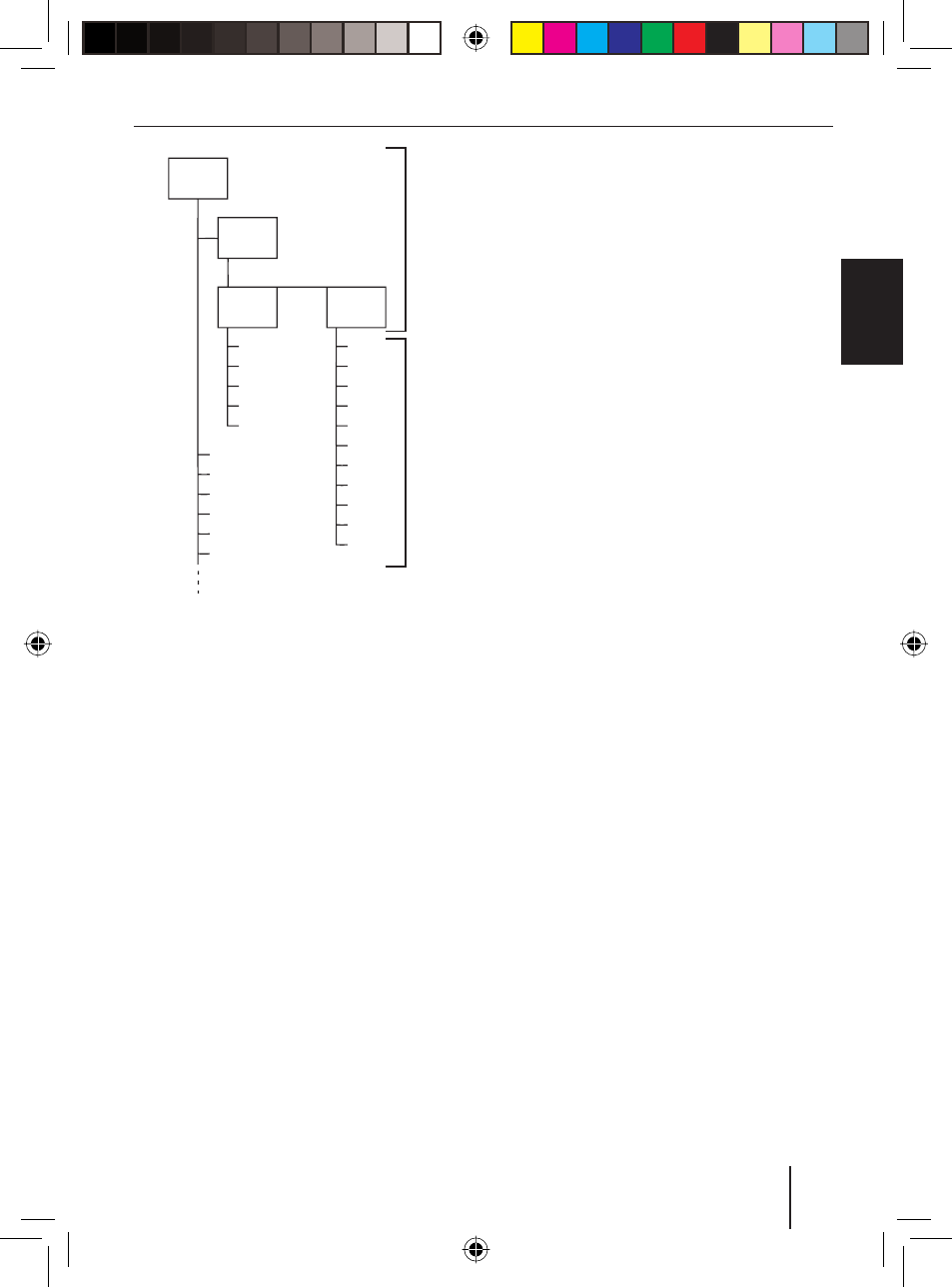
D01
D02
T001
T005
T004
T003
T002
D03
T001
T006
T005
T004
T003
T002
T011
T007
T008
T009
T010
D04
T001
T006
T005
T004
T003
T002
A
B
A Directories
B Tracks · Files
Preparing a USB data carrier
For the device to recognise a USB data car-
rier, it must be specifi ed as mass storage
device and formatted using the FAT16 or
FAT32 fi le system and contain MP3 or WMA
fi les.
You can create up to 1,000 directories on a
USB data carrier. You can use this device to
access directories individually. The direc-
tory depth is unlimited.
You can store up to 10,000 fi les in every
directory.
Note
Blaupunkt cannot guarantee the prop-
er functioning of all USB data carriers
available on the market.
Switching to MP3 mode
Inserting/removing SD/MMC card
Insert the SD/MMC card with its la-
belled side to the left and its contacts
fi rst into the card slot
9 until it clicks
into place.
You can now select the SD/MMC card as au-
dio source with the
SRC button
3.
To remove the SD/MMC card,
push on the SD/MMC card until it dis-
engages.
Pull the SD/MMC card out of the card
slot
9.
Starting MP3 mode of SD/MMC cards
Press the
SRC button
3 repeatedly
until the display shows "SD CARD".
The playback starts.
Connect USB data carrier and start MP3
mode
To be able to connect a USB data carrier
(e.g. a USB stick or USB hard disk), the
supplied USB cable must be connected to
the rear side of the device as described in
the installation instructions. This cable can
be routed, for example, to the glove com-
partment or a suitable place of the center
console.
Note
Always switch off the device before
connecting or disconnecting the USB
data carrier so that the data carrier is
correctly registered and unregistered.
Connect the USB data carrier with the
USB cable.
u
u
u
u
u
59
EN
GLISH
MP3/WMA mode
02_Brisb_VictoriaSD48_gb.indd 59
02_Brisb_VictoriaSD48_gb.indd 59
23.11.2007 16:13:39 Uhr
23.11.2007 16:13:39 Uhr