English, Settings – Инструкция по эксплуатации JVC KD-AVX11
Страница 48
48
ENGLISH
Menu items
Selectable settings, [reference page]
Settings
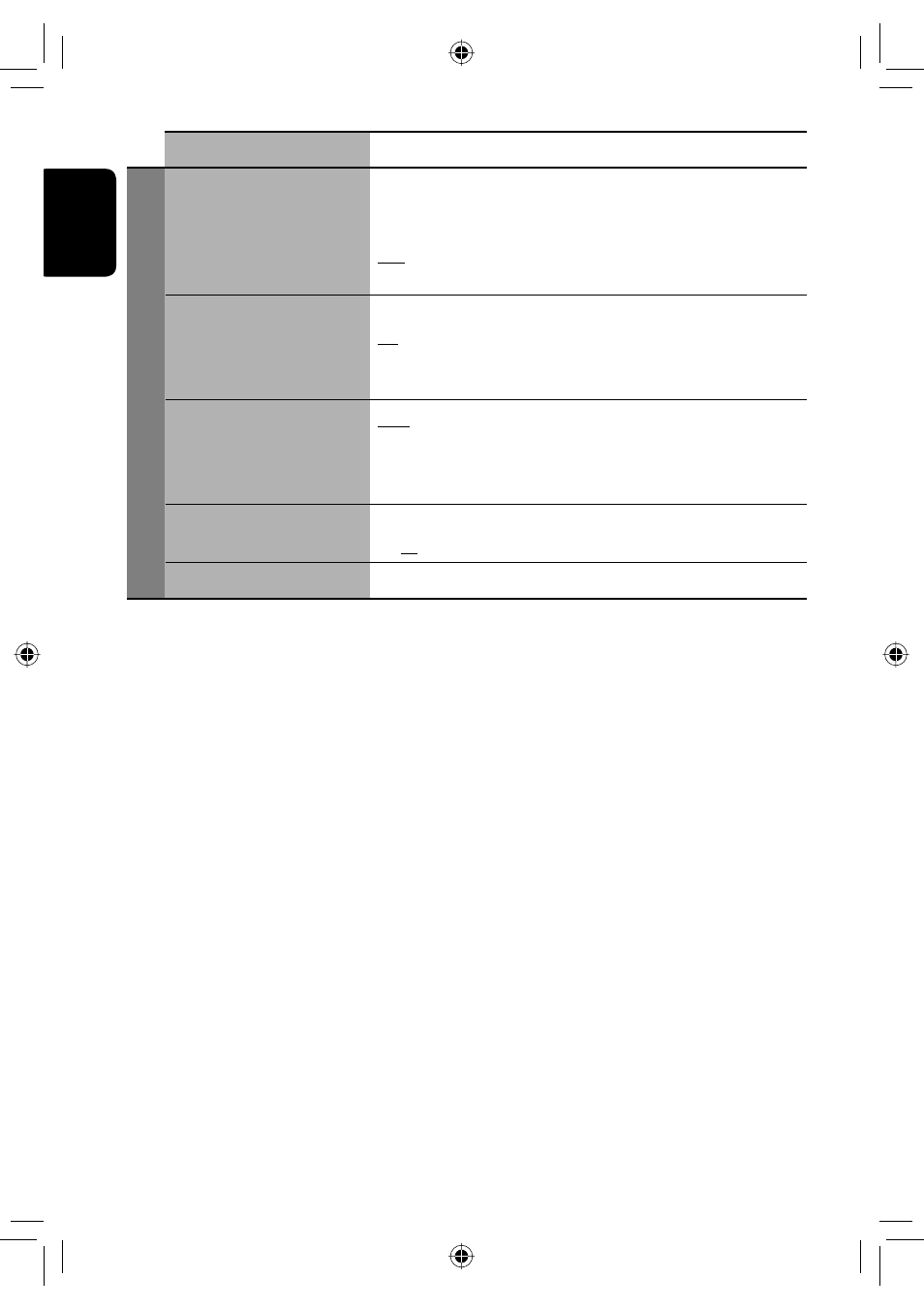
Auto Connect
*
17
When the unit is turned on, the connection is established automatically
with...
Off : No Bluetooth device.
Last : The last connected Bluetooth device.
Order : The available registered Bluetooth device found at first.
Auto Answer
*
18
On : The unit answers the incoming calls automatically.
Off : The unit does not answer the calls automatically. Answer the calls
manually.
Reject : The unit rejects all incoming calls.
Message Info
*
18
Auto : The unit informs you of the arrival of a message by ringing and
displaying “Receiving Message.” To read the message, press ENT
(☞ page 27).
Manual : The unit does not inform you of the arrival of a message.
MIC Setting
*
18
Adjust microphone volume connected to the Bluetooth adapter.
01, 02, 03
Version
*
19
The Bluetooth software and hardware versions are shown.
*
17
Selectable only for “Bluetooth Phone.”
*
18
Only for the device connected for “Bluetooth Phone.” Not selectable for “NEW DEVICE.”
*
19
If you wish to receive more information about Bluetooth, visit our JVC web site.
EN_KD-AVX11EE-f.indb 48
EN_KD-AVX11EE-f.indb 48
07.1.12 5:18:25 PM
07.1.12 5:18:25 PM