Параметры bios (прод.), A-7 приложение, Настройки безопасности – Инструкция по эксплуатации Asus UX50
Страница 57
A-7
Приложение
A
2� Выберите
необходимый пункт и
нажмите <Enter> для
выбора устройства�
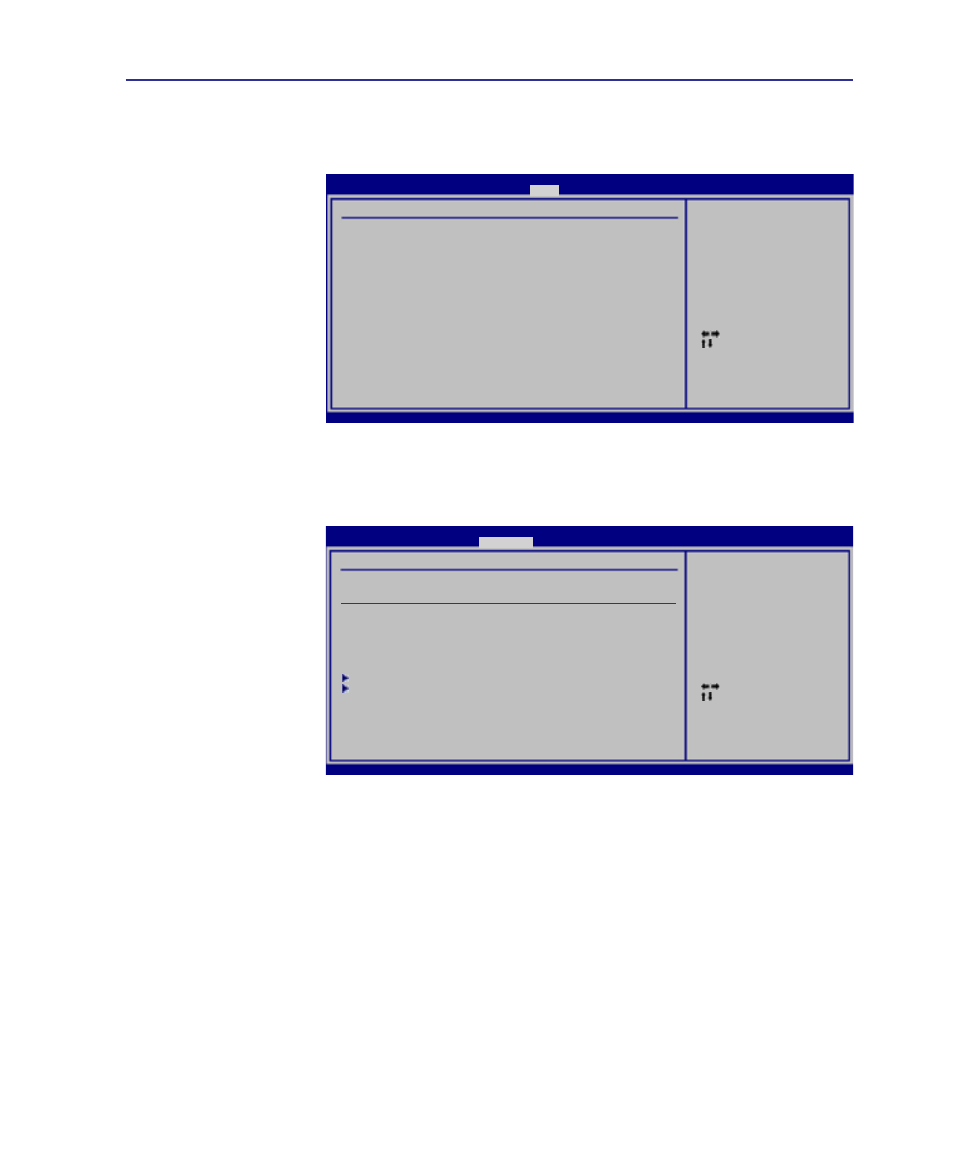
Настройки безопасности
Для установки пароля:
1� На экране Security
выберите Change
Supervisor или
Change User
Password�
2� Введите пароль и
нажмите <Enter>�
3� Введите пароль
еще раз и нажмите
клавишу <Enter>�
4� Пароль установлен�
Select Screen
Select Item
+-
Change Option
F1 General Help
F10 Save and Exit
ESC Exit
v02.61 (C)Copyright 1985-2006, American Megatrends, Inc.
BIOS SETUP UTILITY
Boot
Boot Device Priority
1st Boot Device
[Network]
2nd Boot Device
[CD/DVD]
3rd Boot Device
[Removable Device]
4th Boot Device
[Hard Drive]
Specifies the boot
sequence from the
availabe devices.
A device enclosed
in parenthesis has
been disabled in the
corresponding type menu.
Select Screen
Select Item
Enter Change
F1 General Help
F10 Save and Exit
ESC Exit
v02.61 (C)Copyright 1985-2006, American Megatrends, Inc.
BIOS SETUP UTILITY
Security
Security Settings
Supervisor Password : Not Installed
User Password : Not Installed
Change Supervisor Password
Change User Password
Boot Sector Virus Protection
[Disabled]
Hard Disk Security Setting
I/O Interface Security
<Enter> to change
password.
<Enter> again to
disabled password.
Параметры BIOS (прод.)
Для отключения пароля:
1� Оставьте поле пароля пустым и нажмите <Enter>�
2� Пароль отключен�